Best Workday HCM Course In Bangalore⭐ Workday HCM Training in Bangalore | Updated 2026
Join Our 100% Job Guaranteed

Best Workday HCM Course in Bangalore

  • Join Our Workday HCM Training Institute in Bangalore and Human Capital Management.
  • Learn Core and Advanced Workday HCM Concepts, and Business Process Configuration.
  • Gain Practical Experience Through Real-Time Projects and Hands-On Training.
  • Earn an Industry-Recognized Workday HCM Certification With Placement Assistance.
  • Choose From Flexible Weekday, Weekend, and Fast-Track Batches That Fit Your Schedule.
  • Boost Your Career Opportunities with Resume-Building and Interview Preparation.

Explore Active Opportunities on by ACTE

Live 1000+ Jobs and Internships
Quality Training With Affordable Fees in Bangalore!

⭐ Fees Starts From

INR 36,000
INR 16,500

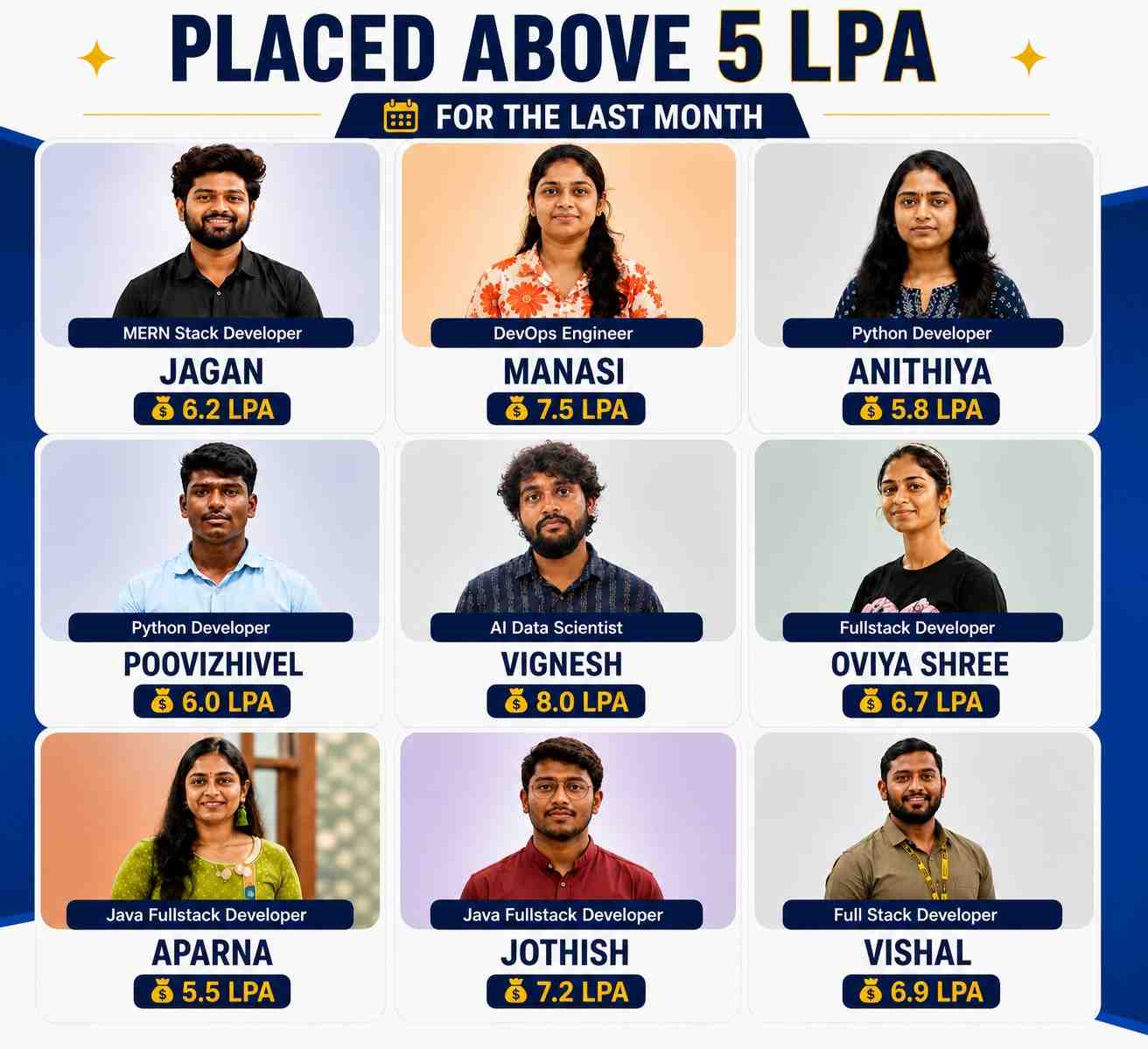
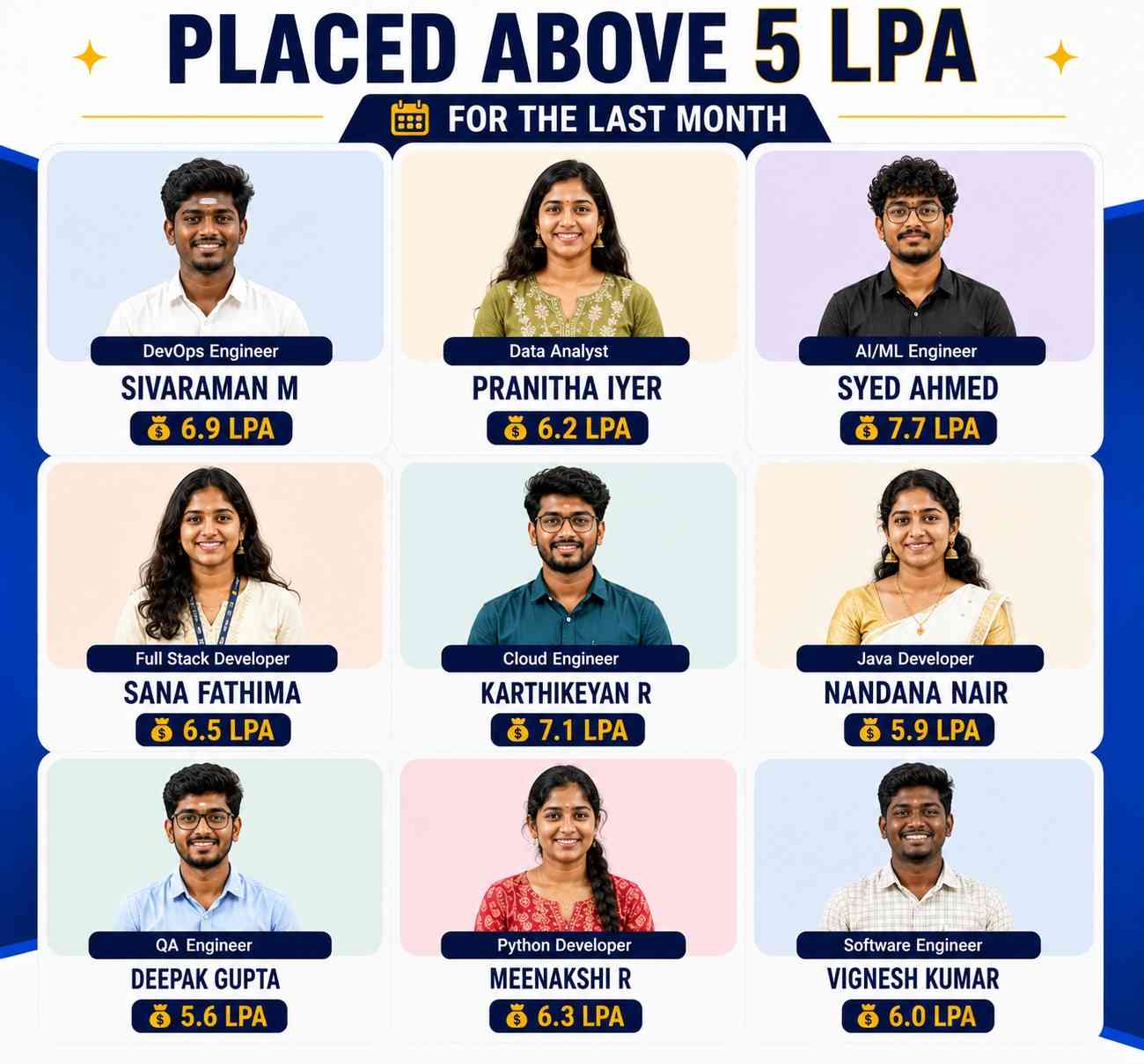
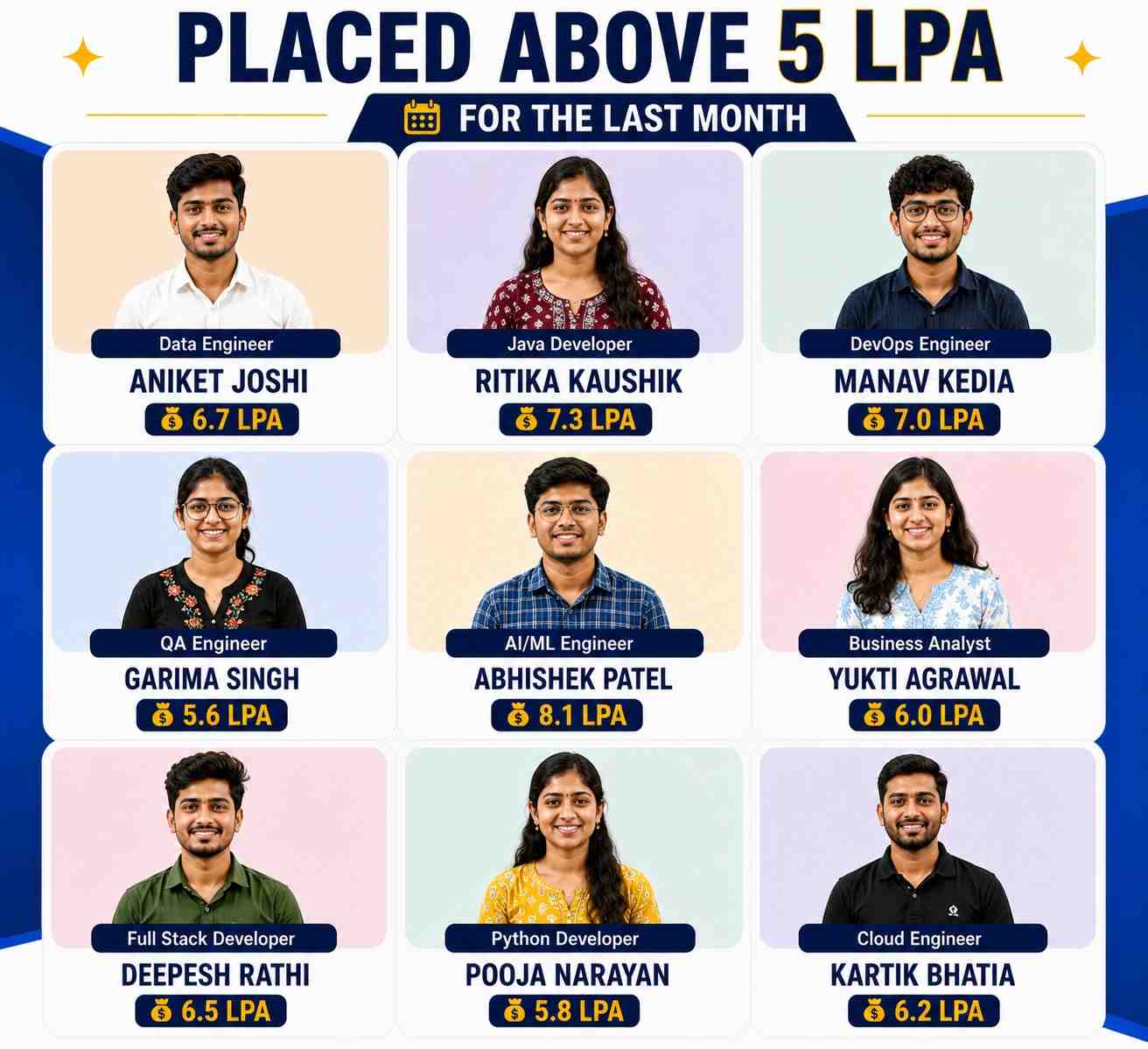
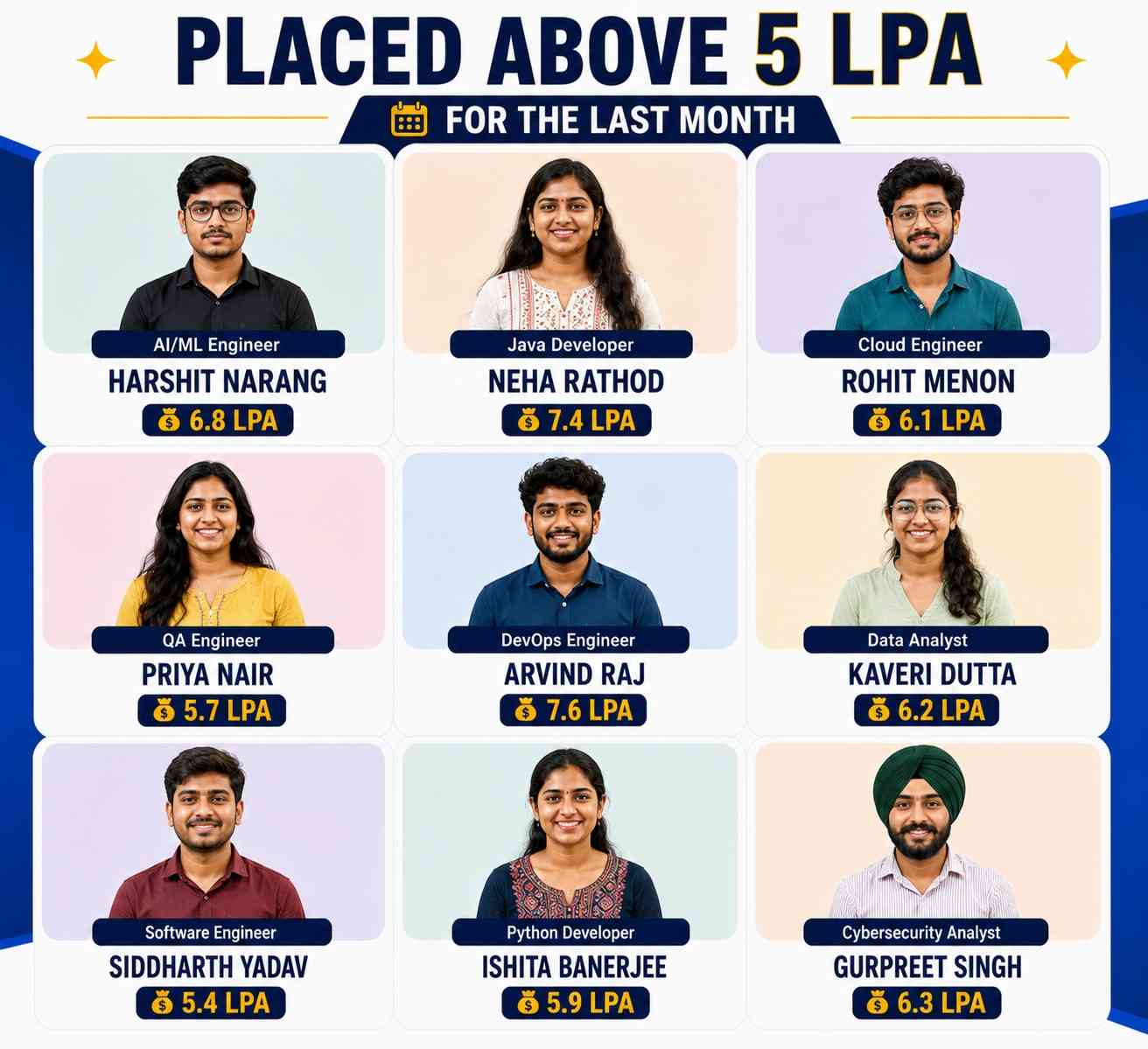
11913+

(Placed)
Freshers To IT

7824+

(Placed)
NON-IT To IT

8747+

(Placed)
Career Gap

4555+

(Placed)
Less Then 60%

Our Hiring Partners

Overview of Workday HCM Course

Our Workday HCM Training in Bangalore offers a structured learning experience that begins with the fundamentals of Human Capital Management and progresses to advanced Workday HCM implementation and configuration. Through hands-on labs and real-time industry projects, you will gain practical knowledge in Core HCM, Payroll, Time Tracking, Talent Management, Reporting, Security Administration, and Business Process Configuration. The training enables you to implement, manage, and optimize Workday HCM applications to support enterprise HR operations efficiently. After completing the course, you will be qualified for career opportunities such as Workday HCM Consultant, Workday Functional Consultant, HRIS Analyst, Payroll Specialist, and Workday Support Consultant. You will also receive an industry-recognized Workday HCM certification that enhances your resume and helps accelerate your career in cloud-based HR technology.

What You'll Learn From Workday HCM Course

The Workday HCM Training is suitable for freshers and experienced professionals looking to build expertise in cloud-based Human Capital Management and enterprise HR applications.

Participants gain hands-on knowledge of major Workday HCM modules, including Core HCM, Payroll, Time Tracking, Compensation, Benefits, Absence Management, and Talent Management.

The course also covers essential Workday tools such as Report Writer, Workday Studio, Enterprise Interface Builder (EIB), Workday Integrations, Security Configuration, and Business Process Framework.

Learners receive practical exposure through instructor-led sessions, live implementation projects, case studies, hands-on exercises, and real-world business scenarios guided by certified Workday experts.

After completing the training, you will have the skills to configure, customize, support, and optimize Workday HCM solutions while earning an industry-recognized certification that enhances your career prospects.

This comprehensive program prepares you for high-demand roles such as Workday HCM Consultant, HRIS Analyst, Payroll Specialist, Workday Support Consultant, and Human Capital Management Analyst.

Additional Info

Course Highlights

  • Kickstart Your Workday HCM Career with Expert Training in Core HCM, Payroll, Talent Management, Time Tracking and Workforce Analytics.
  • Receive dedicated job placement support with opportunities from leading companies hiring skilled Workday HCM professionals.
  • Join a community of over 11,000 students successfully trained and placed through 350+ trusted hiring partners.
  • Learn from seasoned instructors with 10+ years of real-world Workday HCM and enterprise HR experience.
  • Enjoy beginner-friendly lessons, hands-on project work and complete career support throughout your learning journey.
  • Take advantage of affordable fees, flexible schedules and 100% placement assistance, perfect for both freshers and professionals.
  • Develop solid Workday HCM skills and gain practical industry exposure to confidently step into the HR technology and enterprise solutions field.

Exploring the Benefits of a Workday HCM Course

  • Efficient HR Process Automation – A Workday HCM course helps you automate essential HR operations such as employee onboarding, payroll administration, leave management, and workforce transactions. By reducing manual tasks and improving process accuracy, organizations can increase productivity and focus on strategic HR initiatives.
  • Advanced Reporting and Workforce Insights – Workday HCM provides comprehensive reporting and analytics capabilities that enable organizations to make informed business decisions. Learners develop the skills to create custom reports, analyze workforce trends, monitor key performance indicators, and generate valuable HR insights.
  • Enhanced Security and Compliance – The training introduces Workday security concepts, user role management, and compliance features to help safeguard sensitive employee information. Participants learn to configure secure access controls while ensuring adherence to organizational policies and regulatory standards.
  • Strong Career Growth Potential – Workday HCM expertise opens opportunities for roles such as Workday Consultant, HRIS Analyst, Payroll Specialist, Functional Consultant, and HR Technology Professional. The course equips learners with industry-relevant skills that are highly valued across global organizations.
  • Better Employee Self-Service Experience – Workday empowers employees with self-service features for managing personal information, leave requests, compensation, and performance activities. Learning these capabilities enables professionals to improve workforce engagement while delivering efficient HR services.

Essential Tools for Workday HCM Training in Bangalore

  • Workday Studio – Workday Studio is a comprehensive integration tool used to build, customize, and manage integrations between Workday and external enterprise applications. It supports automated data exchange and simplifies complex integration requirements for large organizations.
  • Workday Report Writer – Workday Report Writer enables users to develop standard and customized reports covering HR, payroll, recruitment, and workforce performance. Learners gain practical experience in designing reports that support operational efficiency and strategic decision-making.
  • Enterprise Interface Builder (EIB) – Enterprise Interface Builder (EIB) simplifies bulk data imports, exports, and employee record updates using spreadsheets and templates. It allows users to transfer information securely between Workday and external systems with minimal technical complexity.
  • Business Process Configuration – Business Process Configuration allows organizations to automate workflows for recruitment, onboarding, promotions, transfers, compensation, and employee lifecycle events. Mastering this feature helps professionals improve process consistency and operational performance.
  • Workday Security Administration – Workday Security Administration enables administrators to configure user roles, security groups, permissions, and access policies throughout the application. This ensures confidential HR data remains protected while providing authorized users with appropriate system access.

Top Frameworks Every Workday HCM Professional Should Know

  • Business Process Framework – The Business Process Framework streamlines HR operations by automating activities such as hiring, onboarding, promotions, transfers, and employee exits. It improves workflow consistency while minimizing manual intervention throughout the employee lifecycle.
  • Security Framework – Workday's Security Framework manages authentication, role assignments, domain security, and user permissions across the application. Understanding this framework enables professionals to implement secure access controls and maintain organizational data confidentiality.
  • Integration Framework – The Integration Framework supports seamless connectivity between Workday and external applications through Workday Studio, Enterprise Interface Builder (EIB), APIs, and web services. It ensures reliable data synchronization across enterprise environments.
  • Reporting Framework – The Reporting Framework provides powerful tools for creating dashboards, calculated fields, custom reports, and workforce analytics. It enables organizations to monitor HR performance and make informed decisions using real-time business data.
  • Talent Management Framework – The Talent Management Framework supports employee development through performance evaluations, career planning, succession management, learning initiatives, and goal tracking. It helps organizations strengthen employee engagement while building a high-performing workforce.

Must-Have Skills You Will Gain in a Workday HCM Course in Bangalore

  • Core Workday HCM Configuration – Develop practical skills in configuring Core HCM modules, organizational hierarchies, supervisory organizations, business processes, and employee records. This knowledge enables you to customize Workday based on organizational requirements and improve HR operations.
  • HR Reporting and Data Analysis – Learn to build custom reports, dashboards, and calculated fields using Workday reporting features. You'll gain the ability to analyze workforce information, measure HR performance, and provide actionable insights that support strategic business decisions.
  • Workday Integration Management – Acquire hands-on experience connecting Workday with third-party applications using Enterprise Interface Builder (EIB), Workday Studio, APIs, and web services. These skills help ensure accurate data synchronization and efficient enterprise system integration.
  • Workday Security Configuration – Master the configuration of security groups, role-based access, domain security policies, and user permissions. This knowledge helps protect confidential employee information while maintaining compliance with organizational security standards.
  • Business Workflow Automation – Learn to configure and optimize automated business processes for recruitment, onboarding, transfers, promotions, payroll approvals, and employee offboarding. These skills improve workflow consistency and overall HR efficiency.

Key Roles and Responsibilities After Workday HCM Training in Bangalore

  • Workday HCM Consultant – Workday HCM Consultants gather business requirements, configure Workday applications, support implementations, and optimize Human Capital Management processes. They help organizations maximize the value of their Workday investment through effective solution delivery.
  • HRIS Analyst – HRIS Analysts manage employee data, maintain HR systems, prepare workforce reports, and support daily HR operations. They ensure system accuracy while improving reporting capabilities and operational efficiency.
  • Payroll Specialist – Payroll Specialists configure payroll processes, manage compensation structures, process employee salaries, and ensure compliance with payroll regulations. They play a key role in maintaining accurate and timely payroll operations.
  • Talent Management Consultant – Talent Management Consultants oversee recruitment, employee performance, career development, succession planning, and learning management using Workday Talent modules. Their work helps organizations develop and retain skilled employees.
  • Workday Integration Specialist – Integration Specialists design, implement, and maintain Workday integrations using EIB, Workday Studio, APIs, and cloud technologies. They ensure seamless communication between Workday and other enterprise applications.

Why Workday HCM is a Great Career Option for Freshers

  • Excellent Industry Demand – Leading organizations across industries rely on Workday HCM to streamline HR operations, creating strong demand for skilled professionals. Freshers with Workday expertise can explore rewarding opportunities in HR technology and enterprise cloud applications.
  • Attractive Salary Potential – Certified Workday HCM professionals are highly valued in the job market and often receive competitive salary packages. Strong technical and functional knowledge increases employability and supports long-term career growth.
  • Real-Time Practical Exposure – The training emphasizes live projects, practical exercises, and real-world business scenarios using Workday Studio, Report Writer, Enterprise Interface Builder (EIB), and Business Process Configuration. This hands-on experience prepares learners for workplace challenges.
  • Clear Career Progression – Fresh graduates can begin as HRIS Analysts, Workday Support Consultants, or Associate Consultants and advance to positions such as Workday Functional Consultant, Solution Architect, Project Manager, or HR Technology Lead through continuous learning.
  • Worldwide Career Opportunities – Workday HCM is widely adopted by multinational enterprises across finance, healthcare, retail, manufacturing, and technology sectors. Professionals with Workday expertise can pursue opportunities with global organizations, and remote teams projects.

How Workday HCM Skills Help You Get Remote Jobs

  • Growing Worldwide Demand – Workday HCM is trusted by organizations across the globe, creating a strong demand for professionals who can manage cloud-based HR systems remotely. Certified Workday experts can work with international clients and support enterprise HR operations from virtually anywhere.
  • Comprehensive HR Knowledge – Workday HCM training covers Core HCM, Payroll, Benefits, Time Tracking, Talent Management, Reporting, and Security. This broad skill set enables professionals to perform multiple HR responsibilities, making them highly valuable for remote and hybrid work environments.
  • Cloud-Based Workforce Management – Since Workday operates entirely on the cloud, professionals can efficiently manage employee information, approvals, organizational changes, and HR workflows without being physically present. This flexibility makes remote work both practical and productive.
  • Strong Reporting and Decision Support – Workday offers advanced reporting and analytics tools that help organizations monitor workforce performance and business metrics. Professionals capable of creating dashboards and analyzing HR data are highly preferred for remote consulting and support roles.
  • Integration and Workflow Automation – Expertise in Workday Studio, Enterprise Interface Builder (EIB), APIs, and Business Process Configuration allows professionals to automate HR operations. These technical capabilities increase opportunities for remote implementation and support projects.

What to Expect in Your First Workday HCM Job

  • Learning Core Workday Functions – During your initial role, you will work with Core HCM, Payroll, Time Tracking, Compensation, Benefits, and Talent Management modules. Building a strong understanding of these areas helps you confidently perform everyday HR activities.
  • Maintaining Workforce Data – You will be responsible for updating employee records, processing organizational changes, maintaining accurate workforce information, and ensuring data integrity within the Workday platform. Accuracy and attention to detail are essential in this role.
  • Developing Reports and Dashboards – You will regularly create reports, dashboards, and workforce analytics using Workday Report Writer. These reports provide valuable insights that support HR teams and management in making informed business decisions.
  • Supporting End-to-End HR Processes – Your responsibilities will include assisting with recruitment, transfers, payroll activities, and employee offboarding by configuring and monitoring Workday business processes. This practical experience builds a strong HR technology foundation.
  • Collaborating with Business Teams – Workday professionals work closely with HR, Payroll, Finance, IT, and business stakeholders to resolve issues, implement enhancements, and support enterprise HR initiatives. Effective communication and teamwork are key to long-term career success.

Top Companies Hiring Workday HCM Professionals

  • Accenture – Accenture recruits Workday HCM professionals to implement, configure, integrate, and support cloud-based Human Capital Management solutions for global enterprises across multiple business sectors.
  • Deloitte – Deloitte offers opportunities for Workday consultants to participate in enterprise HR transformation projects involving implementation, business process optimization, reporting, security, and workforce management solutions.
  • IBM – IBM hires Workday HCM specialists to support digital HR transformation, cloud implementation, application support, enterprise integrations, and consulting services for multinational organizations.
  • PwC (PricewaterhouseCoopers) – PwC employs Workday professionals to configure HR systems, develop reports, optimize business processes, manage security, and deliver end-to-end Human Capital Management solutions for global clients.
  • KPMG – KPMG recruits Workday HCM consultants to implement cloud HR applications, configure business processes, develop integrations, manage reporting, and deliver enterprise workforce management solutions for organizations worldwide.
Show More

Workday HCM Training in Bangalore– Overview:

Workday HCM is a leading cloud-based Human Capital Management platform used by organizations to manage HR operations, payroll, talent, workforce planning, and employee lifecycle activities. Workday HCM Training in Bangalore provides practical knowledge of Workday fundamentals, business process configuration, core HCM, security, reporting, and real-time implementation projects. Designed for beginners and professionals, the training helps learners develop the skills needed to build successful careers as Workday HCM consultants in Bangalore’s growing IT and consulting ecosystem.

What You Will Learn in Workday HCM Course:

By enrolling in the Workday HCM training, learners will gain:

  • In-depth understanding of Workday HCM architecture, navigation, and essential concepts
  • Practical experience configuring business processes and organizational structures
  • Knowledge of staffing models, compensation, security, and employee lifecycle management
  • Skills to create custom reports, dashboards, and calculated fields using Workday reporting tools
  • Hands-on project experience based on real-world HR implementation scenarios and industry practices
  • Certification-focused learning with placement assistance and interview preparation support

Workday HCM Training in Bangalore

Workday HCM Training in Bangalore is designed to help learners develop a strong foundation in cloud-based Human Capital Management. The program covers core HCM concepts, business process configuration, staffing models, security, reporting, and implementation practices. Through practical exercises and industry-oriented projects, learners gain the skills required to work effectively as Workday HCM professionals in Bangalore’s competitive technology market.

Freshers who complete Workday HCM Training in Bangalore can expect starting salaries ranging from ₹4 LPA to ₹8 LPA, depending on their technical knowledge, certification, project experience, and employer. Candidates with strong functional expertise and hands-on implementation experience can access better salary packages and career opportunities in leading IT and consulting companies.

Workday HCM professionals in Bangalore have excellent opportunities for career advancement as organizations continue adopting cloud-based HR technologies. With experience, professionals can progress from Workday HCM Associate or Functional Consultant roles to Senior Workday Consultant, Workday HCM Lead, Solution Architect, or Project Manager positions, offering strong salary growth and global career opportunities.

Workday HCM skills are in strong demand in Bangalore as IT companies, consulting firms, and global enterprises continue to adopt cloud-based HR solutions. Organizations use Workday to manage HR operations, payroll, talent, and workforce planning, creating numerous career opportunities for skilled professionals across Bangalore’s thriving technology and business services sector.

Workday HCM professionals configure HR business processes, manage employee information, implement organizational structures, create reports and dashboards, configure security roles, and support system integrations. They also work with HR and business teams to optimize workflows, improve operational efficiency, and support effective workforce management.

Workday HCM professionals are recruited by IT services companies, consulting firms, banking and financial institutions, healthcare organizations, retail businesses, manufacturing companies, educational institutions, and multinational corporations in Bangalore. With increasing Workday adoption, skilled professionals continue to find strong career opportunities across various industries.

After successfully completing Workday HCM Training in Bangalore, learners receive an industry-recognized course completion certificate. This credential validates their Workday HCM knowledge, enhances their professional profile, and improves their chances of securing opportunities with leading IT companies and consulting organizations.

Workday HCM Training Program

Workday

Workday Integration Training Program

36k Learners Weekend / Weekday Live Class
  • Workday Integration
  • Real-Time Workday Projects
  • Certification & Interview Guidance

Module 1: Core Concepts and Basic Navigation of Workday
  • Overview of Workday Concepts
  • Workday Framework
  • Working in Workday
  • Workday Tools
  • Business Objects
  • Basic Navigation
  • Additional Navigation Topics
  • Inbox Bulk Approvals
  • Notifications
  • Worklets
  • Landing Page Configuration
  • Related Action Menus
  • Search Functionality
  • Actionable Reports
  • Dashboards
  • Module 2: Organizations
  • Organization Types
  • Supervisory Organizations
  • Setup of Supervisory Organizations
  • Managing Supervisory Organizations
  • Organization Hierarchies
  • Location Hierarchies
  • Reorganization
  • Organization Reports
  • Module 3: Staffing Models
  • Defining Staffing Models
  • Hiring Restrictions
  • Differentiating Staffing Models
  • Maintaining Staffing Models
  • Module 4: Jobs and Positions
  • Job Profiles
  • Distinguishing Job Profiles, Job Families, and Job Family Groups
  • Creating Jobs and Positions
  • Job Requisitions
  • Managing Filled and Unfilled Positions and Jobs
  • Module 5: Compensation
  • Compensation Overview
  • Compensation Eligibility Rules
  • Compensation Grades
  • Compensation Plans and Packages
  • Compensation Events
  • Compensation Reports
  • Module 6: Hiring Workers
  • Hiring Overview
  • Hiring and Supervisory Organizations
  • Hiring Process Overview
  • Hire Process
  • Module 7: Security Configuration
  • Security Platform
  • Security Groups
  • Advanced Security Groups
  • Module 8: Reporting
  • Overview of Report Writer
  • Types of Reports
  • Standard Reports
  • Developing Simple Reports
  • Developing Advanced Reports
  • Advanced Field Calculations
  • Custom Reports
  • Creating Custom Reports
  • Custom Report Types
  • Calculated Fields
  • Sharing Reports
  • Data Sources
  • Business Objects
  • Scheduling Reports
  • Working with Report Writer
  • Module 9: Business Process
  • Business Process Overview
  • Business Processes and Subprocesses
  • Editing Business Processes
  • Business Process Step Configuration
  • Business Process Notifications
  • Module 10: Calculated Fields
  • Concepts of Calculated Fields
  • System-wide vs. Report-Specific Calculated Fields
  • Global Calculated Fields (e.g., Constants)
  • Calculated Field Dependencies
  • Available Functions
  • Date Calculation and Formatting Functions
  • String and Text Functions
  • True/False Conditions
  • Evaluate Expression
  • Lookup Functions for Hierarchies
  • Functions for Related Business Objects
  • Lookup Value as of Date
  • Arithmetic Calculations
  • Key Reports and Resources
  • Module 11: Core Connectors
  • Core Connectors Overview
  • Integration Architecture Overview
  • Integration Cloud Connect
  • Integration System Templates
  • Core Connector: Worker
  • Integration Services in Core Connectors
  • Change Deduction Procedures in Core Connectors
  • Integration Business Process
  • Module 12: iLoads
  • Introduction to iLoads
  • Data Push
  • Data Extraction
  • Types of Data Loads
  • Foundation Data
  • Master Data
  • Implementation Suites
  • Implementation Areas
  • Implementation Tasks
  • Module 13: Transactions in Workday
  • Creating Applicants
  • Hiring in Supervisory Organizations
  • Assigning User-Based Security Groups
  • Hiring into Position, Job, and Headcount Management
  • Staffing Movements
  • Termination
  • Request Delegation and Rescind
  • Move Workers and Inactivate Supervisory Organizations
  • Workday Accounts
  • Viewing Personal Data
  • Module 14: Additional Staffing Transactions (EIB & Integrations)
  • Overview of Enterprise Interface Builder (EIB)
  • EIB Design Patterns
  • Limitations of EIB
  • Overview of Workday Public Web Services
  • Workday Reports-as-a-Service (RaaS)
  • Developing an Inbound EIB
  • Developing an Outbound EIB
  • Custom XSLT
  • Core Connector: Worker
  • Custom Report Transformation
  • Features of EIB
  • Loading Customer Transactional Data into Workday Using EIB
  • Module 15: Workday Studio
  • Introduction to Workday Studio
  • Installing Workday Studio
  • Workday Studio Navigation Tips
  • Studio Runtime Architecture
  • Features and Navigation of Workday Studio
  • Workday Studio Assemblies (Integration Systems)
  • Components of Workday Studio
  • Basic Flow of Control Between Assembly Components
  • Basics of Web Services
  • XSLT in Workday Studio
  • MVEL in Workday Studio
  • Workday

    Workday Payroll Training Program

    39k Learners Weekend / Weekday Live Class
    • Workday Payroll Configuration & Processing
    • Payroll Integrations, Reporting & Security
    • Hands-on Projects with Certification Support

    Module 1: Introduction to Workday Payroll
  • Overview of Workday Payroll and HCM Integration
  • Payroll Framework and Business Process Flow
  • Key Payroll Concepts and Terminology
  • Payroll Security and Access Roles
  • Module 2: Payroll Setup and Configuration
  • Setting Up Company and Pay Group Structures
  • Payroll Period Schedules and Calendars
  • Earnings, Deductions, and Pay Component Setup
  • Payment Election Rules and Validation
  • Module 3: Earnings and Deductions
  • Creating Earnings and Deduction Elements
  • Calculation Rules and Eligibility Criteria
  • Managing Bonuses, Allowances, and Retro Pay
  • Pay Component Groups and Compensation Elements
  • Module 4: Payroll Processing
  • Payroll Input and Validation
  • On-Cycle and Off-Cycle Payroll Processing
  • Manual Payroll Adjustments and Reversals
  • Loan Configuration and Repayment Process
  • Module 5: Payroll Accounting and Reporting
  • Payroll Accounting Setup
  • Reviewing Payroll Results and Pay Slips
  • Custom Payroll Reports and Dashboards
  • Payroll Audit and Compliance Checks
  • Module 6: Banking and Payments
  • Bank Account Configuration for Payroll
  • Payment Elections and Direct Deposit Setup
  • Check Layouts, Settlement Rules, and Pre-Notes
  • Payment File Generation and Reconciliation
  • Module 7: Tax and Withholding Management
  • Federal, State, and Local Tax Configuration
  • Worker Tax Elections and Multi-Jurisdiction Processing
  • Withholding Orders and Garnishment Management
  • Tax Reporting and Year-End Processing
  • Module 8: Roles, Security, and Business Processes
  • Payroll Security Groups and Roles
  • Pay Component-Based Security
  • Payroll Business Process Configuration
  • Security Testing and Change Management
  • Module 9: Integrations and Troubleshooting
  • Overview of Payroll Integrations (PECI, PICOF)
  • Integration with External Payroll Vendors
  • Testing Payroll Integrations
  • Troubleshooting Common Payroll Issues
  • Payroll Interface Monitoring
  • Module 10: Real-Time Project
  • End-to-End Workday Payroll Implementation
  • Real-World Payroll Scenarios
  • Case Studies and Practical Exercises
  • Payroll Configuration and Testing
  • Final Project and Best Practices
  • Workday

    Workday Techno Functional Training Program

    34k Learners Weekend / Weekday Live Class
    • Workday HCM Functional & Technical Concepts
    • Real-Time Workday Integration Projects
    • Certification & Interview Preparation

    Module 1: Introduction to Human Capital Management (HCM)
  • What is HCM, HR, HRMS, and HRIM?
  • Google Trends Analysis of HCM and HRMS
  • Importance of HCM and HRMS
  • Global HRMS Market and Customer Base
  • Future Scope of HCM and Human Capital Management
  • Module 2: Introduction to Workday
  • What is Workday?
  • How Workday Differs from Other HCM Solutions
  • Workday Cloud Architecture
  • Downtime and Version Upgrades
  • Workday Product Suite (HCM, Payroll, Finance, Absence, Studio, etc.)
  • Most Commonly Used Workday Modules
  • HCM Market Comparison and Industry Trends
  • Google Trends Analysis for Workday
  • Workday vs. SAP SuccessFactors vs. Oracle HCM
  • Module 3: Core Concepts and Navigation
  • Workday Overview
  • Core Concepts
  • Business Objects
  • Worklets
  • Basic Navigation
  • Advanced Navigation Features
  • Module 4: Organizations in Workday
  • Organization Types
  • Supervisory Organizations
  • Reorganization
  • Setting Up Supervisory Organization Structure
  • Managing Supervisory Organizations
  • Creating Subordinate Organizations
  • Dividing Supervisory Organizations
  • Additional Organization Types
  • Organization Hierarchies
  • Organizational Assignments
  • Organization Reports
  • Module 5: Staffing Models
  • Types of Staffing Models
  • Configuring Staffing Models
  • Hiring Restrictions
  • Position Management
  • Job Management
  • Differences Between Staffing Models
  • Maintaining Staffing Models
  • Module 6: Jobs and Positions
  • Job Profiles
  • Job Profile Localization
  • Job Profiles and Compensation Grades
  • Management Level Hierarchy
  • Job Families and Job Family Groups
  • Creating Job Profiles
  • Positions
  • Managing Filled and Unfilled Positions
  • Creating Positions
  • Editing Position Restrictions
  • Position Management
  • Module 7: Compensation
  • Compensation Overview
  • Compensation Components
  • Compensation Elements
  • Compensation Plans
  • Compensation Grades, Grade Profiles, and Steps
  • Compensation Packages
  • Compensation Eligibility Rules
  • Module 8: Security Groups
  • Introduction to Security
  • Security Group Types
  • Configurable Security
  • Functional Areas
  • Securable Items
  • Security Policies
  • Module 9: Business Process Configuration
  • Business Process Overview
  • Business Process Definitions
  • Supervisory Organizations and Business Processes
  • Creating Business Processes
  • Editing Business Processes
  • Condition Rules
  • Custom Notifications
  • Copying Business Processes
  • Module 10: Workday Transactions
  • Creating Applicants
  • Hiring Workers
  • Assigning User-Based Security Groups
  • Hiring into Position and Job Management
  • Staffing Movements
  • Worker Termination
  • Moving Workers
  • Inactivating Supervisory Organizations
  • Workday Accounts
  • Viewing Personal Data
  • Rescinding Business Processes
  • Compensation Changes
  • Module 11: Recruitment
  • Recruitment Process
  • Job Requisitions
  • Job Applications
  • Module 12: Time and Absence Management
  • Time Calculations
  • Time Calculation Groups
  • Time Calculation Eligibility Rules
  • Time Tags
  • Time Tracking Templates
  • Time Off Requests
  • Time Off Types and Plans
  • Time Off Calendar
  • Holiday Calendar
  • Module 13: Workday Reporting
  • Data Sources
  • Business Objects
  • Report Fields
  • Report Writer Overview
  • Types of Reports
  • Standard Reports
  • Simple Reports
  • Advanced Reports
  • Sharing Reports
  • Scheduling Reports
  • Module 14: Calculated Fields
  • Calculated Field Concepts
  • System-Wide vs. Report-Specific Calculated Fields
  • Global Calculated Fields
  • Calculated Field Dependencies
  • Date Calculation Functions
  • Arithmetic Functions
  • String and Text Functions
  • True/False Conditions
  • Evaluate Expression
  • Lookup Functions
  • Module 15: Enterprise Interface Builder (EIB)
  • EIB Overview
  • EIB Design Patterns
  • EIB Limitations
  • Workday Public Web Services
  • Reports-as-a-Service (RaaS)
  • Inbound EIB Development
  • Outbound EIB Development
  • Custom Report Transformation
  • EIB Features
  • Loading Transactional Data Using EIB
  • Module 16: Core Connectors
  • Core Connector Overview
  • Integration Architecture
  • Core Connector: Worker
  • Integration System Services
  • Field Attributes and Overrides
  • Integration Maps
  • Transaction Logs
  • Integration Attributes and Sequence Generators
  • Integration Business Processes
  • Launching Integrations
  • Document Transformation
  • Introduction to Workday Studio
  • Module 17: Workday Studio
  • Introduction to Workday Studio
  • Installing Workday Studio
  • Studio Navigation
  • Runtime Architecture
  • Studio Features
  • Studio Assemblies (Integration Systems)
  • Assembly Components
  • Control Flow Between Components
  • Web Services
  • XSLT
  • MVEL in Workday Studio
  • Module 18: Resume and Interview Guidance
  • Resume Preparation
  • Building an ATS-Friendly Resume
  • Common Resume Mistakes
  • LinkedIn Profile Optimization
  • Workday Interview Questions
  • Functional and Technical Interview Scenarios
  • HR Interview Preparation
  • Mock Interviews
  • Career Guidance and Job Search Strategies
  • Workday

    Workday Finance Training Program

    41k Learners Weekend / Weekday Live Class
    • Workday Financial Management
    • Real-Time Finance Implementation Projects
    • Certification & Interview Preparation

    Module 1: Core Concepts and Navigation
  • Workday Core Concepts
  • Workday Tenant
  • Basic Navigation
  • Functional Areas
  • Module 2: Organizations and Worktags
  • Organizations Overview
  • Security Policies
  • Organization Setup
  • Reorganization
  • Creating a Company
  • Bank Setup
  • Creating Bank Routing Rules
  • Organization Hierarchy
  • Cost Center Organization
  • Worktags
  • Module 3: Financial Accounting Setup
  • Currency Setup
  • Fiscal Schedule Configuration
  • Account Sets
  • Account Control Rule Sets
  • Accounting Posting Rule Sets
  • Account Translation Rule Sets
  • Default Reporting Book
  • Journal Reversal Options
  • Company Accounting Details
  • Creating Ledgers
  • Ledger Period Configuration
  • Maintaining Ledger Periods
  • Custom Validations
  • Module 4: Accounting Journals
  • Accounting Overview
  • Financial Accounting Flow
  • Financial Transaction Flow
  • Accounting Journals
  • Creating Journals
  • Copying, Reposting, and Canceling Journals
  • Journal Approval Process
  • Creating Recurring Journal Entry Templates
  • Journal Configuration
  • Module 5: Journal EIB Processing
  • Journal EIB Overview
  • Creating Journal EIB
  • Populating Journal Information
  • Loading Journal EIB
  • Processing Journal EIB
  • Module 6: Period Close Activities
  • Allocation
  • Revaluation
  • Consolidation
  • Translation
  • Balance Carry Forward
  • Period-End Review
  • Module 7: Security Configuration
  • Functional Areas
  • Domain Security Policies
  • Business Process Security Policies
  • Creating Security Groups
  • Viewing Security Groups
  • Security Analysis for Workday Accounts
  • Module 8: Supplier Management
  • Supplier Overview
  • Supplier Setup
  • Creating Suppliers
  • Spend Categories
  • Purchase Items
  • Module 9: Supplier Invoice Management
  • Supplier Invoice Overview
  • Security Policies
  • Creating Supplier Invoices
  • Supplier Invoice Adjustments
  • Module 10: Customer Management
  • Customer Overview
  • Customer Setup
  • Creating Customers
  • Revenue Categories
  • Sales Items
  • Customer Validation
  • Module 11: Customer Invoices and Receipts
  • Customer Invoice Overview
  • Creating Customer Invoices
  • Customer Invoice Adjustments
  • Recording Customer Payments
  • On-Account Payments
  • Short Payments
  • Creating Customer Refunds
  • Module 12: Settlement Management
  • Settlement Overview
  • Creating Settlement Runs
  • Cash Flow Management
  • Module 13: Financial Close and Reporting
  • Financial Close Overview
  • Period Close Process
  • Bank Reconciliation
  • Financial Reporting
  • Module 14: Workday Reporting
  • Reporting Overview
  • Workday Reporting Terminology
  • Standard Reports
  • Custom Reports
  • Financial Dashboards
  • Module 15: Expense Management
  • Creating Expense Reports
  • Expense Report Settlement
  • Creating Travel Expense Reports
  • Creating Spend Authorizations
  • Workday

    Workday Studio Training Program

    29k Learners Weekend / Weekday Live Class
    • Workday Studio & Integration Development
    • REST APIs, Web Services & RaaS
    • Certification Preparation with Real-Time Projects

    Module 1: Introduction to Workday Studio
  • Introduction to Workday Studio
  • Features and Benefits of Workday Studio
  • Workday Integration Architecture Overview
  • Studio Components and Use Cases
  • Module 2: Workday Studio IDE Fundamentals
  • Workspace Overview
  • Project Explorer
  • Cloud Explorer
  • Connecting to the Cloud
  • Working Area
  • Viewing Area
  • Help and Documentation
  • Deploying Studio Code
  • Importing Source Code from Cloud Explorer
  • Workday Studio Terminology
  • Module 3: Studio Components and Development
  • Workday-In Transport
  • Connecting Components
  • Synchronous and Asynchronous Mediation Components
  • Write Step
  • Log Component
  • Building a Simple Studio Integration
  • CSV to XML Transformation
  • Local-In and Local-Out Components
  • Splitter Component
  • Aggregator Component
  • Copy Step
  • Store Component
  • Integration Event Storage
  • Put Integration Message
  • Eval Component
  • MVEL Functions
  • Category Lookup by Type
  • String Buffer
  • Validate Expression
  • Route Component
  • Hands-on Activity: Generate separate output files for successful and failed records based on marks.
  • Module 4: Workday REST API and RaaS
  • Introduction to REST API
  • Reports-as-a-Service (RaaS)
  • Creating Custom Reports
  • Integrating RaaS with Workday Studio
  • Workday-Out REST Transport
  • Identifying Report Extra Paths
  • Splitting REST Report Output
  • Accessing Values Using Properties (Props)
  • Module 5: Aggregator Component
  • Aggregator Component Overview
  • Merging Multiple Files
  • Aggregation Best Practices
  • Hands-on Implementation
  • Module 6: Workday Public Web Services
  • Overview of Workday Public Web Services
  • Response Filters
  • Page and Count Parameters
  • Get Workers Web Service
  • Response Groups
  • Testing Web Services Using Workday Web Service Tester
  • Module 7: Web Service Operations
  • GET vs. PUT Web Service Operations
  • Payroll Deduction and Earning Codes
  • Submit Payroll Input Web Service
  • Testing Payroll Web Services
  • Hands-on Activity: Execute the Submit_Payroll_Input Web Service and Validate Updates in Workday
  • Module 8: Inbound Integrations
  • Introduction to Inbound Integrations
  • Understanding Integration Requirements
  • Selecting the Right Integration Approach
  • Integration Best Practices
  • Integration IDs and Reference IDs
  • Retrieval Service
  • Retrieving Files Using Retrieval Service
  • Get Event Documents
  • Document Iterator
  • Processing Multiple Files
  • Integration Attribute Services
  • Creating Integration Attributes
  • Integration Maps
  • 100% Placements | Get Hired in Top MNC

    Upcoming Batches For Classroom and Online

    Weekdays
    10 - August - 2026
    08:00 AM & 10:00 AM
    Weekdays
    12 - August - 2026
    08:00 AM & 10:00 AM
    Weekends
    15 - August - 2026
    (10:00 AM - 01:30 PM)
    Weekends
    16 - August - 2026
    (09:00 AM - 02:00 PM)
    Can't find a batch you were looking for?
    INR ₹16500
    INR ₹36000

    OFF Expires in

    Who Should Take a Workday HCM Course

    IT Professionals

    Non-IT Career Switchers

    Fresh Graduates

    Working Professionals

    Diploma Holders

    Professionals from Other Fields

    Salary Hike

    Graduates with Less Than 60%

    Show More

    Job Roles For Workday HCM Training in Bangalore

    Workday HCM Consultant

    Workday Payroll Specialist

    Workday HCM Analyst

    Workday Integration Specialist

    Workday Reporting & Analytics Specialist

    Workday Talent Management Specialist

    Workday HCM Implementation Engineer

    Workday HCM Operations Engineer

    Show More

    Tools Covered For Workday HCM Training

    Workday HCM Workday Financial Management Workday Payroll Workday Recruiting Workday Time Tracking Workday Learning Workday Adaptive Planning Workday Prism Analytics

    What’s included ?

    Convenient learning format

    📊 Free Aptitude and Technical Skills Training

    • Learn basic maths and logical thinking to solve problems easily.
    • Understand simple coding and technical concepts step by step.
    • Get ready for exams and interviews with regular practice.
    Dedicated career services

    🛠️ Hands-On Projects

    • Work on real-time projects to apply what you learn.
    • Build mini apps and tools daily to enhance your coding skills.
    • Gain practical experience just like in real jobs.
    Learn from the best

    🧠 Launch Your Career in Top MNC Companies

    • Master technical and HR interview rounds.
    • Gain confidence with expert mock interview practice.
    • Improve your chances of getting hired faster.
    Learn from the best

    🎯 Interview Preparation For Freshers

    • Practice company-based interview questions.
    • Take online assessment tests to crack interviews
    • Practice confidently with real-world interview and project-based questions.
    Learn from the best

    🧪 LMS Self Learning Platform

    • Explore expert trainer videos and documents to boost your learning.
    • Study anytime with on-demand videos and detailed documents.
    • Top MNC interview questions & self coding practice.

    Workday HCM Course Curriculum

    • 🏫 Classroom Training
    • 💻 Online Training
    • 🚫 No Pre Request (Any Vertical)
    • 🏭 Industrial Expert

    Enrolling in a Workday HCM Training Bangalore provides learners with the functional knowledge and practical skills needed to establish a successful career in Human Capital Management and cloud-based HR technologies. This industry-focused program prepares participants for in-demand opportunities by building expertise in Core HCM, Payroll, Time Tracking, Talent Management, Reporting, Security, and Workday Integrations. Through flexible training schedules, hands-on labs, and real-time implementation projects, learners develop the ability to configure, deploy, support, and optimize Workday HCM solutions, preparing them to efficiently manage enterprise HR processes and contribute to digital workforce transformation.

    • Introduction to Workday HCM –Learn Workday fundamentals with Core HCM, organizational structures, business processes, and essential HR functionalities.
    • Advanced Techniques and Tools – Enhance skills in Payroll, Talent, Recruiting, Time Tracking, and master EIB, Studio, plus advanced reporting tools.
    • Hands-On Project Experience – Apply learning with real projects like onboarding workflows, payroll setup, talent modules, and HR analytics dashboards.
    • Implementation and Collaboration – Learn to manage Workday HCM by handling integrations, security settings, and optimizing enterprise HR solutions.
    Introduction to Workday HCM
    Workday HCM Configuration & Setup
    Core HCM and Talent Management
    Workday Security & Compliance
    Workday Integrations & Tools
    Advanced Workday HCM Topics
    Workday HCM Projects & Hands-on Practice

    Forms the foundational knowledge to understand Workday HCM technologies:

    • Overview of Workday HCM – History, versions, cloud architecture and key features
    • Human Capital Management Concepts – Importance, HR lifecycle and core modules
    • Tools & Technologies – Workday Core HCM, Payroll, Talent Management, Reporting
    • Career Paths – Roles such as Workday HCM Consultant, Payroll Specialist, Integration Analyst

    Covers initial setup and core configuration:

    • Tenant Setup – Configuring Workday environment and security groups
    • Organization & Job Structures – Defining company structure, job profiles and positions
    • User & Role Management – Creating accounts, roles and permissions
    • Business Process Configuration – Setting up onboarding, approvals and workflow rules

    Deep dive into HR processes and talent management:

    • Employee Onboarding – Adding employees, contracts and job assignments
    • Compensation & Payroll – Managing salaries, benefits and payroll cycles
    • Performance & Goals – Tracking employee performance, goal setting and appraisals
    • Learning & Development – Configuring learning programs and skill tracking

    Learn to secure and maintain Workday HCM systems:

    • Security Groups & Roles – Configuring access policies and permissions
    • Data Privacy & Compliance – Ensuring GDPR, ISO and internal compliance standards
    • Audit & Reporting – Generating HR, payroll and compliance reports
    • Tenant Maintenance – Health checks, updates and process optimization

    Understand enterprise integration and automation:

    • EIB & Workday Studio – Data import/export, complex integrations
    • APIs & Automation – Automating workflows using Workday REST APIs
    • Third-party Integrations – Connecting Workday with AD, SAP and payroll systems
    • Reporting Tools – Custom reports, dashboards and analytics

    Focus on emerging and specialized skills:

    • Advanced Payroll & Benefits – Complex calculations, global payroll setups
    • Talent Analytics – Using Workday dashboards for workforce insights
    • Cloud HR Solutions – Managing hybrid, multi-tenant and cloud environments
    • Advanced Business Processes – Configuring conditional workflows and approvals

    Apply all skills learned in real-world scenarios:

    • Real-time Projects – Configuring core HCM, payroll and talent modules
    • Process Audits – Validating business processes and compliance
    • Reporting & Dashboards – Creating HR analytics, KPI dashboards and documentation
    • Scenario-based Exercises – Simulating HR challenges and resolving using Workday tools

    🎁 Free Addon Programs

    Aptitude, Spoken English.

    🎯 Our Placement Activities

    Daily Task, Soft Skills, Projects, Group Discussions, Resume Preparation, Mock Interview.

    Gain Hands on Experience in Workday HCM Projects

    Placement Support Overview

    Today's Top Job Openings for Workday HCM Training in Bangalore

    Workday HCM Functional Consultant

    Company Code : WHC245

    Bangalore, Karnataka

    ₹32,000 – ₹58,000 a month

    Any Degree

    Exp 0–3 yrs

  • Configure and support Workday Core HCM, Payroll, Absence, and Talent Management modules while optimizing HR business processes, reporting, and workforce management solutions.
  • Easy Apply

    Workday Payroll Consultant

    Company Code : WPC418

    Bangalore, Karnataka

    ₹30,000 – ₹52,000 a month

    Any Degree

    Exp 0–2 yrs

  • Manage Workday Payroll configuration, employee compensation, tax processing, payroll validations, compliance reporting, and support accurate payroll execution across business operations.
  • Easy Apply

    Workday HRIS Analyst

    Company Code : HRA327

    Bangalore, Karnataka

    ₹30,000 – ₹50,000 a month

    Any Degree

    Exp 0–3 yrs

  • Maintain employee records, generate HR reports, monitor workforce data accuracy, support business processes, and improve overall Human Capital Management operations.
  • Easy Apply

    Workday Integration Consultant

    Company Code : WIC356

    Bangalore, Karnataka

    ₹32,000 – ₹55,000 a month

    Any Degree

    Exp 0–2 yrs

  • Develop and maintain Workday integrations using EIB, Workday Studio, APIs, and cloud technologies while ensuring seamless enterprise data synchronization.
  • Easy Apply

    Workday Implementation Consultant

    Company Code : WIM509

    Bangalore, Karnataka

    ₹35,000 – ₹60,000 a month

    Any Degree

    Exp 0–3 yrs

  • Gather client requirements, configure Workday HCM modules, perform system testing, support deployments, and ensure successful implementation of enterprise HR solutions.
  • Easy Apply

    Workday Reporting Consultant

    Company Code : WRC318

    Bangalore, Karnataka

    ₹34,000 – ₹55,000 a month

    Any Degree

    Exp 0–3 yrs

  • Design custom reports, dashboards, and workforce analytics using Workday Report Writer to support HR decision-making and business performance monitoring.
  • Easy Apply

    Workday Application Support Engineer

    Company Code : WSE214

    Bangalore, Karnataka

    ₹30,000 – ₹52,000 a month

    Any Degree

    Exp 0–2 yrs

  • Provide functional support for Workday applications, troubleshoot issues, maintain system performance, manage security settings, and assist business users effectively.
  • Easy Apply

    Workday Talent Management Consultant

    Company Code : WTM612

    Bangalore, Karnataka

    ₹36,000 – ₹60,000 a month

    Any Degree

    Exp 0–3 yrs

  • Configure Talent Management modules, manage performance reviews, succession planning, learning processes, and optimize employee development across enterprise organizations.
  • Easy Apply

    Internship Highlights for Workday HCM

    Real-Time Projects

    • 1. Gain hands-on experience by working on live industry-based applications.
    • 2. Understand real-world problem-solving through Workday HCM scenarios.
    Book Session

    Skill Development Workshops

    • 1. Participate in focused sessions on trending technologies and tools.
    • 2. Learn directly from industry experts through guided practical exercises.
    Book Session

    Employee Welfare

    • 1. Enjoy benefits like health coverage, flexible hours, and wellness programs.
    • 2. Companies prioritize mental well-being and work-life balance for all employees.
    Book Session

    Mentorship & Peer Learning

    • 1. Learn under experienced mentor guide your technical and career growth.
    • 2. Collaborate with peers to enhance learning through code reviews and group projects.
    Book Session

    Soft Skills & Career Readiness

    • 1. Improve communication, teamwork, and time management skills.
    • 2. Prepare for interviews and workplace dynamics with mock sessions and guidance.
    Book Session

    Certification

    • 1. Earn recognized credentials to validate your Workday HCM skills.
    • 2. Boost your resume with course or project completion certificates from reputed platforms.
    Book Session

    Sample Resume for Workday HCM (Fresher)

    • 1. Simple and Neat Resume Format

      Use a clean layout with clear sections like summary, skills, education, and projects.

    • 2. List of Technologies You Know

      Mention skills like Core HCM, Payroll, Talent Management, Recruiting, Time Tracking, Workday Reporting, Workday Integrations.

    • 3. Real-Time Projects and Achievements

      Add 1–2 real-time projects with a short description and the tools used.

    Top Workday HCM Interview Questions and Answers (2025 Guide)

    Ans:

    Workday integration is the seamless link that facilitates data interchange and process automation between the Workday platform and other systems or processes. By connecting Workday with a range of third-party tools and services, it helps associations manage data, optimize workflows and improve overall efficacy all of which contribute to increased agility and responsiveness in business operations.

    Ans:

    In order to enable data interchange between Workday and other systems, Workday Integration uses a combination of pre-built connectors, APIs and middleware outcomes. These technologies allow organizations to set up connections according to their own needs, allowing them to attend procedures in batches or in real-time, transmit data and run detectors.

    Ans:

    Even though Workday Integration has many advantages, associations may have difficulties with intricate data mapping, integrating with legacy systems and guaranteeing data security and compliance when it is being implemented. Additionally, continuous monitoring and assistance from skilled integration specialists are necessary to maintain integrations and keep them current with changing business requirements and system modifications.

    Ans:

    Although Workday provides both Workday Studio and Workday Cloud Connect as tools for integration, their functions differ. Workday Studio is an IDE uses Java to build intricate integrations and unique business logic. Conversely Workday Cloud Connect is a simpler tool uses pre-made connectors and templates to establish point-to-point interfaces between Workday and other systems.

    Ans:

    Designing efficient data synchronization techniques, reducing network quiescence and improving API operation are all necessary to provide scalability and performance optimization in Workday Integrations. I use cargo balancing techniques to distribute the workloads unevenly across the integration endpoints, hiding measures to minimize spare requests and asynchronous processing and batch operations to handle big data volumes.

    Ans:

    Considerations including network connectivity, security standards and data synchronization patterns are necessary when integrating Workday with on-premise applications. In order to provide safe routes of communication, I evaluate the organization's firewall settings and network architecture. I implement integration patterns like VPN tunneling or direct connectivity using Workday's integration connectors or middleware to provide real-time data exchange while maintaining security and regulatory compliance.

    Ans:

    For Workday Integrations to remain stable and long-lasting, versioning and backward compatibility are crucial. In order to monitor modifications and oversee various integration vestiges performances and guarantee seamless transitions between releases, I adhere to interpretation and control fashionable practices. In order to reduce disruptions and preserve compatibility with outdated system performances or customer activities, I also use similar techniques when designing integration interfaces, such as versioned APIs, adaptable data formats and graceful decline.

    Ans:

    In Workday Integrations, change management entails organizing patches, updates and configuration modifications to reduce downtime and preserve system stability. Impact analysis, stakeholder communication and sandbox testing of modifications prior to production deployment are all part of my methodical process. In order to provide seamless transitions and lower the risks connected with system advancements, control and documentation of integration changes aid in tracking updates and facilitating rollback processes when needed.

    Ans:

    Setting up event-driven triggers and utilizing Web Services APIs to facilitate instantaneous data sharing between systems are necessary for managing real-time integrations in Workday. I arrange and automate data exports at predetermined intervals for batch integrations using Workday's EIB (Enterprise Interface Builder) or Integration Cloud, guaranteeing effective and timely data management across platforms.

    Ans:

    Setting up secure authentication methods akin to SAML or OAuth2.0 for access control and identity verification is part of managing authentication and authorization in Workday Integrations. In order to guarantee least-honorable access to sensitive data and integration endpoints, I create integration users' accounts with the relevant warrants and locations in Workday.

    Company-Specific Interview Questions from Top MNCs

    1. What is the difference between Workday HCM Core and HCM Suite?

    Ans:

    Workday Core HCM focuses on essential HR functions like employee data management, payroll and organizational structures. The broader HCM Suite includes modules for talent management, recruitment, learning and analytics. Core HCM is a part, while the HCM Suite provides end-to-end HR management solutions.

    2. What are Workday EIB and Studio and how do they differ?

    Ans:

    The Enterprise Interface Builder (EIB) enables importing and exporting data between Workday and external systems with minimal coding. Workday Studio is a more advanced tool for building complex integrations and workflows. EIB is simpler and ideal for bulk data, while Studio handles complex, custom integration logic.

    3. Explain reporting and analytics in Workday HCM.

    Ans:

    Workday reporting and analytics allow HR teams to track employee performance, payroll and organizational metrics. Reports can be scheduled, filtered and visualized to gain actionable insights. Real-time analytics help managers make informed decisions and ensure compliance with HR policies.

    4. What kinds of employee data can Workday manage?

    Ans:

    Workday HCM manages employee master data, payroll information, performance records, talent profiles, benefits and time-off records. Proper management ensures accurate HR operations, streamlined payroll and effective talent planning.

    5. What is the difference between a Workday Business Process and a Security Group?

    Ans:

    A Business Process defines automated workflows for HR activities like onboarding, promotions or terminations. A Security Group determines which users can access specific data or perform certain tasks. Business Processes drive operations; Security Groups control access.

    6. What is the purpose of Workday Talent and Performance Management?

    Ans:

    Talent and performance management helps organizations track employee goals, appraisals, skill development and succession planning. It ensures the workforce is aligned with business objectives and strengthens employee engagement and productivity.

    7. What are supervisory organizations and why are they important?

    Ans:

    Supervisory organizations define the reporting structure within Workday grouping employees under managers. They are crucial for routing approvals, managing headcount and assigning tasks efficiently. Proper setup ensures smooth HR operations and accountability.

    8. What is the difference between onboarding and offboarding in Workday?

    Ans:

    Onboarding involves adding new employees, assigning roles, configuring payroll and providing access to necessary tools. Offboarding ensures revoking access, completing exit processes and archiving employee data. Both ensure secure and efficient employee lifecycle management.

    9. How does Workday handle alerts and notifications?

    Ans:

    Workday generates alerts for pending approvals, compliance requirements, payroll discrepancies or policy violations. HR teams and managers can take timely action to resolve issues, ensuring smooth operations and regulatory compliance.

    10. What are Workday Domains and Security Policies?

    Ans:

    Domains define areas of functionality within Workday (e.g., Payroll, Recruiting, Time Tracking). Security policies govern who can view, edit or approve data in each domain. Domains organize processes; security policies enforce controlled access.

    1. What is the difference between Core HCM, Payroll and Talent Management in Workday HCM?

    Ans:

    In Workday HCM, Core HCM manages employee records, organizational structures and HR workflows. Payroll handles compensation, tax compliance and payroll processing. Talent Management focuses on performance, learning and succession planning. Each module serves a specific purpose in managing the entire employee lifecycle.

    2. What techniques do you use to secure HR data in Workday HCM?

    Ans:

    Securing HR data involves role-based access control, multi-factor authentication, data encryption and auditing of sensitive information. Regular compliance checks and workflow approvals ensure employee Data is shielded from unwanted access and kept private.

    3. What kinds of employee accounts exist in Workday HCM and when should access be restricted?

    Ans:

    Employee accounts include standard employee users, HR administrators and managers. Access should be restricted for inactive employees, temporary roles or accounts with elevated privileges no longer needed. Proper classification ensures sensitive HR data and payroll information are secure.

    4. Explain auditing and activity tracking in Workday HCM.

    Ans:

    Auditing and activity tracking log user actions such as changes to employee records, payroll updates or workflow approvals. Admins can review, monitor and generate reports to detect anomalies or compliance violations. This strengthens accountability and ensures HR processes follow regulations.

    5. What is a business process in Workday HCM and why is it important?

    Ans:

    A business process defines the steps for HR tasks like onboarding, promotions or terminations. It ensures consistency, compliance and automation of HR operations. Well defined processes reduce errors, save time and maintain audit readiness.

    6. What are domains and security groups in Workday HCM?

    Ans:

    Domains categorize access to related data while security groups define which users can perform actions or view specific information. Proper configuration ensures employees see only the data they are authorized to access.

    7. How does Workday handle exception scenarios in HR workflows?

    Ans:

    Exception workflows allow specific approvals or bypasses for unique cases, like retroactive payroll adjustments or special role assignments. Admins configure controlled access to maintain data integrity while providing operational flexibility.

    8. What is performance monitoring in Workday HCM?

    Ans:

    Performance monitoring ensures workflows, integrations and payroll processes run smoothly without delays. Administrators track system efficiency, identify bottlenecks and optimize resource usage for uninterrupted HR operations.

    9. What is the difference between a regular employee account and an HR administrator account in Workday HCM?

    Ans:

    A regular employee account allows self-service functions like leave requests or profile updates. An HR administrator account has elevated permissions to manage workflows, payroll and sensitive HR data. Secure management of admin accounts is critical to prevent unauthorized access.

    10. What are the key components of Workday HCM and why are they important?

    Ans:

    Key components include Core HCM, Payroll, Talent Management, Recruiting and Integrations. Each module supports a specific HR function, from employee data management to payroll and talent development. Together, they enable seamless, end-to-end HR process automation.

    1. What is the difference between Core HCM, Payroll and Talent Management in Workday?

    Ans:

    Core HCM manages employee records, organizational structures and HR transactions. Payroll handles compensation processing, tax compliance and paycheck calculations. Talent Management focuses on performance, learning and succession planning. Each module addresses a distinct aspect of human capital management.

    2. What distinguishes reporting from workflow automation?

    Ans:

    Reporting generates insights from HR data, including dashboards, analytics and audit-ready reports. Workflow automation streamlines HR processes like onboarding, promotions and approvals. Both improve HR efficiency but serve different operational needs.

    3. What is the use of Workday Core HCM?

    Ans:

    Workday Core HCM centralizes employee data, organizational charts and HR processes. It ensures data accuracy, accessibility and compliance with HR policies. This module forms the foundation of all HR operations within an organization.

    4. What is a supervisory organization in Workday?

    Ans:

    A supervisory organization is a structure that groups employees under a manager for reporting and HR processes. It helps manage workflows, approvals and accountability. Workday uses it to assign roles, access rights and workflow responsibilities.

    5. What is the difference between a business process and a security role in Workday?

    Ans:

    A Business Process defines automated HR workflows such as hiring, termination or leave approvals. A Security Role determines what actions a the user can do and what information they may access. Business processes execute tasks; security roles control permissions.

    6. What is the difference between a tenant and a module in Workday?

    Ans:

    A Tenant is an instance of Workday for an organization, containing all configurations and data. A Module is a functional area like Payroll, Core HCM or Recruiting. Tenants host modules; modules define specific HR capabilities.

    7. What is auditing in Workday?

    Ans:

    Auditing tracks changes to employee data, approvals and business processes. It ensures compliance, accountability and helps detect errors or policy violations. Workday auditing provides detailed logs for HR governance.

    8. What types of integrations are supported in Workday?

    Ans:

    Workday integrates with payroll providers, ERP systems, cloud applications and identity management tools. These integrations automate data exchange, reduce manual work and maintain consistency across HR systems.

    9. How do workflow automation and reporting differ in Workday?

    Ans:

    Workflow automation streamlines HR tasks, approvals and notifications, ensuring timely process execution. Reporting extracts, analyzes and visualizes HR data for insights and compliance. Both enhance HR operations but address different needs.

    10. What is a Workday user role?

    Ans:

    A Workday User Role is an assigned permission set that defines what tasks an employee can perform in the system. Roles control access to data, business processes and modules, ensuring secure and compliant HR operations.

    1. What is Workday HCM?

    Ans:

    Workday HCM is a cloud-based platform for managing HR processes, payroll, talent and employee data. It streamlines HR operations, ensures data accuracy and enhances workforce management. Workday HCM allows organizations to automate workflows, track employee performance and maintain compliance with HR policies.

    2. How do Core HCM and Talent Management differ?

    Ans:

    Core HCM manages employee information, organizational structures, payroll and benefits. Talent Management focuses on recruitment, performance, learning and succession planning. While Core HCM ensures accurate HR data, Talent Management develops and retains workforce potential. Together, they provide a complete HR management solution.

    3. What is a Workday Tenant?

    Ans:

    A Workday Tenant is a secure, cloud-based environment for an organization to manage HR, payroll and financial data. It provides a dedicated space for configuration, testing and production operations. Tenants support data security, role-based access and integration with other enterprise systems.

    4. What distinguishes an Employee Account from an Admin Account?

    Ans:

    Employee accounts provide standard access to personal HR, payroll or benefits information. Admin accounts have elevated permissions to configure modules, manage workflows and run reports. Admin accounts require stricter control, monitoring and approval to maintain system security and compliance.

    5. What are Workday Security Groups and Roles?

    Ans:

    Security Groups define who can access specific Workday features or data, while Roles assign responsibilities to users. Together, they control visibility, permissions and workflows across the platform. Proper configuration ensures data protection and efficient HR operations.

    6. What is a Business Process in Workday HCM?

    Ans:

    A Business Process is a defined workflow for HR actions like hiring, promotions, terminations or approvals. Business Processes automate tasks, enforce policies and provide notifications to users. They help standardize HR procedures and reduce manual errors.

    7. What is the difference between a Tenant and a Domain?

    Ans:

    A Tenant is the overall Workday environment, while a Domain is a functional area within Workday, such as Payroll, Compensation or Recruiting. Domains organize related business processes and data, simplifying configuration and management within the tenant.

    8. What does a Workday Policy accomplish?

    Ans:

    Policies in Workday define rules for access, approvals and HR actions like leave, payroll and performance reviews. They ensure consistency, compliance and proper governance across HR processes. Policies reduce errors and improve operational efficiency.

    9. What is Workday Reporting?

    Ans:

    Workday Reporting allows administrators and managers to generate real-time reports and dashboards on HR data. Reports provide insights into employee performance, payroll and workforce analytics. They help decision-makers track trends, ensure compliance and optimize workforce management.

    10. What distinguishes manual HR management from automated HR management in Workday?

    Ans:

    Manual HR management involves updating employee records, running payroll and approving processes individually. Automated management uses Workday’s business processes, integrations and reporting tools to perform these tasks automatically. Automation reduces errors, saves time and improves accuracy in HR operations.


    1. What is Workday HCM and why is it important?

    Ans:

    Workday HCM is a cloud-based system for managing HR processes such as employee data, payroll, talent and workforce planning. It centralizes HR information, improves operational efficiency and ensures compliance with labor regulations. Workday HCM is essential for streamlining HR operations and enhancing decision-making with real-time insights.

    2. How would you optimize HR processes in Workday HCM?

    Ans:

    To optimize HR processes, configure business processes effectively, automate routine workflows and use reporting tools to track key HR metrics. Leverage integrations to sync data across systems and perform regular audits to maintain accuracy and compliance. These practices enhance productivity and reduce manual errors.

    3. What is a business process in Workday HCM and when would you use it?

    Ans:

    A business process is a structured workflow that defines how HR tasks, like onboarding, promotions or terminations, are executed. It’s used to standardize operations, enforce approvals and ensure compliance. Organizations rely on business processes to automate HR activities and monitor completion efficiently.

    4. What is a Workday Security Group?

    Ans:

    A Security Group defines access permissions for users or roles in Workday HCM. It controls who can view, edit or approve specific HR data and ensures sensitive information is protected. Security Groups help enforce compliance and safeguard employee data.

    5. How do Workday Core HCM and Payroll differ?

    Ans:

    Core HCM manages employee records, organizational structure and HR workflows. Payroll handles compensation, tax compliance and paycheck processing. Core HCM maintains accurate workforce data, while Payroll guarantees accurate and timely employee payments. Both modules work together for complete HR management.

    6. What is a Worker Profile in Workday HCM?

    Ans:

    A Worker Profile stores all relevant information about an employee, including personal details, job history and compensation. It ensures that HR data is accurate, centralized and easily accessible. Worker Profiles simplify employee management and reporting.

    7. What is Reporting in Workday HCM?

    Ans:

    Reporting in Workday HCM involves creating dashboards, analytics and custom reports to monitor HR metrics. It helps identify trends, track performance and support data-driven decisions. Reporting ensures transparency and improves HR process effectiveness.

    8. What distinguishes a Supervisory Organization from a Job Profile in Workday HCM?

    Ans:

    A Supervisory Organization defines the hierarchy of employees and managers, controlling workflow approvals. A Job Profile defines roles, responsibilities and qualifications for a position. Supervisory Organizations manage reporting lines, while Job Profiles standardize roles across the organization.

    9. What is a Workday HCM Alert or Notification?

    Ans:

    An Alert or Notification informs users about important events, like pending approvals, policy updates or workflow exceptions. Notifications help HR teams respond quickly, enforce compliance and maintain smooth operations. They ensure proactive management of HR tasks.

    10. What is an Audit Trail in Workday HCM?

    Ans:

    An Audit Trail tracks changes made to employee data, payroll and workflows. It ensures accountability, supports compliance and provides a record for internal or external audits. Administrators can review audit logs to identify errors or unauthorized changes.

    Disclaimer Note:

    The details mentioned here are for supportive purposes only. There are no tie-ups or links with the corresponding PGs.

    Ladies PG Accommodation

      Marathahalli
    • Green Nest Ladies PG : 91482 56371
    • Comfort Women's Residency : 99871 42583
    • BTM Layout
    • Lotus Ladies PG : 88954 73168
    • Happy Homes Women's Hostel : 90128 66473
    • HSR Layout
    • Elite Women's Residency : 77843 22581
    • Blue Bell Ladies PG : 66792 44816
    • Koramangala
    • Sunrise Ladies Hostel : 90174 55362
    • Pearl Women's PG : 81236 77951
    • Electronic City
    • Royal Ladies Residency : 78945 66427
    • Smart Women's Stay : 90163 55748

    Mens PG Accommodation

      Marathahalli
    • Metro Men's PG : 91475 33862
    • City Gents Residency : 99846 77215
    • BTM Layout
    • Prime Men's Hostel : 88972 44158
    • Urban Gents PG : 90135 66824
    • HSR Layout
    • Skyline Men's Residency : 77894 55736
    • Elite Gents Hostel : 66784 22951
    • Koramangala
    • Comfort Men's Residency : 90142 77635
    • Green Stay Gents PG : 81257 66482
    • Electronic City
    • Royal Men's Hostel : 78961 55394
    • Ocean Gents Residency : 90158 44721

    Top Workday HCM Job Opportunities for Freshers

    • 1. Workday HCM Jobs at Startups and IT Companies
    • 2. Campus Placements and IT Service Jobs
    • 3. Internship-to-Job Programs
    • 4. Apply Through Job Portals
    • 5. Skills That Help You Get Hired

    Getting Started With Workday HCM in Bangalore

    No Coding
    8 Lakhs+ CTC
    No Work Pressure
    WFH Jobs (Remote)

    Why Workday HCM is the Ultimate Career Choice

    High Demand

    Companies prefer multi-skilled professionals who can handle entire project cycles.

    Global Opportunities

    Open doors to remote and international job markets.

    High Salary

    Enjoy competitive salaries and rapid career advancement.

    Flexible Career Path

    Explore roles such as developer, architect, freelancer, or entrepreneur.

    Future-Proof Career

    Stay relevant with skills that are consistently in demand in the evolving tech landscape.

    Versatility Across Industries

    Work in various domains like e-commerce, healthcare, finance, and more.

    Career Support

    Placement Assistance

    Exclusive access to ACTE Job portal

    Mock Interview Preparation

    1 on 1 Career Mentoring Sessions

    Career Oriented Sessions

    Resume & LinkedIn Profile Building

    Get Advanced Workday HCM Certification

    You'll earn an industry-recognized Workday HCM Certification that showcases your job-ready skills. Successfully complete the required projects and clear the pre-placement assessment to qualify. This certification validates your expertise and prepares you for real-world career opportunities.

    • Workday HCM Core Certified
    • Workday Payroll Certified
    • Workday Talent Management Certified
    • Workday Time Tracking Certified
    • Workday Recruiting Certified

    A Workday HCM certification does not guarantee employment, but it greatly improves your career opportunities. It demonstrates your technical knowledge and practical expertise, making your profile more attractive to recruiters. When combined with real-time project experience and strong interview preparation, it increases your chances of securing rewarding roles in Workday HCM and HR technology.

    The time needed to complete a Workday HCM certification depends on your prior knowledge and learning schedule. Most learners can finish the training and certification process within 2 to 4 months through a structured learning program. Consistent practice, hands-on assignments, and project experience help you complete the certification more confidently.

    • Demonstrates proficiency in Workday HCM modules and HR processes
    • Increases job opportunities across HR technology and enterprise organizations
    • Builds professional credibility with employers and industry recruiters
    • Strengthens your ability to implement, configure, and support Workday HCM solutions
    • Join a comprehensive instructor-led or online Workday HCM training program
    • Practice regularly using Workday demo environments and hands-on projects
    • Review official Workday learning resources and training documentation
    • Attempt practice tests and mock exams to improve confidence and accuracy
    • Participate in Workday learning communities and discussion groups to expand your knowledge

    Complete Your Course

    A Downloadable Certificate in PDF Format, Immediately Available to You When You Complete Your Course.

    Get Certified

    A Physical Version of Your Officially Branded and Security-Marked Certificate.

    Get Certified

    Lowest Workday HCM Course Fees in Bangalore

    Affordable, Quality Training for Freshers to Launch IT Careers & Land Top Placements.

    Call Course Advisor

    How Is ACTE's Workday HCM Course in Bangalore Different?

    Feature

    ACTE Technologies

    Other Institutes

    Affordable Fees

    Competitive Pricing With Flexible Payment Options.

    Higher Workday HCM Fees With Limited Payment Options.

    Industry Experts

    Well Experienced Trainer From a Relevant Field With Practical Workday HCM Training

    Theoretical Class With Limited Practical

    Updated Syllabus

    Updated and Industry-relevant Workday HCM Course Curriculum With Hands-on Learning.

    Outdated Curriculum With Limited Practical Training.

    Hands-on projects

    Real-world Workday HCM Projects With Live Case Studies and Collaboration With Companies.

    Basic Projects With Limited Real-world Application.

    Certification

    Industry-recognized Workday HCM Certifications With Global Validity.

    Basic Workday HCM Certifications With Limited Recognition.

    Placement Support

    Strong Placement Support With Tie-ups With Top Companies and Mock Interviews.

    Basic Placement Support

    Industry Partnerships

    Strong Ties With Top Tech Companies for Internships and Placements

    No Partnerships, Limited Opportunities

    Batch Size

    Small Batch Sizes for Personalized Attention.

    Large Batch Sizes With Limited Individual Focus.

    LMS Features

    Lifetime Access Course video Materials in LMS, Online Interview Practice, upload resumes in Placement Portal.

    No LMS Features or Perks.

    Training Support

    Dedicated Mentors, 24/7 Doubt Resolution, and Personalized Guidance.

    Limited Mentor Support and No After-hours Assistance.

    Workday HCM Course FAQs

    1. What are the requirements for becoming a Workday HCM professional?

    To become a Workday HCM professional, candidates should have a bachelor's degree in HR, IT, Computer Science or a related field. Basic understanding of HR processes, payroll and talent management is beneficial. Familiarity with cloud systems and enterprise software will help you grasp Workday HCM concepts faster.
    The future of Workday HCM is highly promising as more companies shift to cloud-based HR solutions. Demand for skilled Workday HCM professionals is growing globally across industries like IT, finance, healthcare and retail. Organizations are investing in automating HR processes, ensuring strong career growth, high salaries and opportunities in consulting, implementation and system administration roles.
    Workday HCM Training covers Core HCM, Payroll, Talent Management, Time Tracking, Recruiting, Workday Reporting and Analytics and Integrations. Trainees also learn Workday Studio, EIB (Enterprise Interface Builder) and business process configuration tools. Security, access controls and audit management are included for end-to-end HR system knowledge.
    Yes, the training includes real-time projects designed to simulate enterprise HR scenarios. Projects cover module configuration, workflow automation, payroll processing, talent management and report generation.
    Yes, most Workday HCM training programs provide resume-building assistance. Experts help tailor resumes to highlight Workday skills, certifications and project experience. This increases employability and makes candidates more attractive to recruiters in IT and HR technology domains.
    Anyone hoping to pursue a career in human resources technology or human capital management can enroll. This includes fresh graduates, HR professionals, IT professionals and anyone looking to specialize in Workday HCM modules like Payroll, Core HCM or Talent Management.
    A degree in HR, IT, Computer Science or related fields is helpful but not mandatory. Practical knowledge of HR processes, business workflows or enterprise software can also prepare you for a Workday HCM career.
    Basic understanding of HR processes, payroll and talent management is recommended. Analytical thinking, problem-solving, familiarity with cloud applications and attention to detail will help you grasp Workday HCM concepts more effectively.
    No, prior knowledge of frontend or backend development is not required. Workday HCM training focuses on HR processes, module configuration, integrations, reporting and analytics rather than coding. Basic computer skills and understanding of enterprise software are sufficient.

    1. What kind of placement support is provided after the Workday HCM Training?

    Placement support typically includes interview preparation, resume building, job referrals and guidance on how to approach Workday HCM roles. Many training institutes also conduct mock interviews, aptitude tests and provide access to recruitment drives with top companies.

    2. Will I get access to real-time projects for my resume?

    Yes, most Workday HCM training programs include hands-on, real-time projects. These projects cover module configuration, workflow automation, payroll processing, talent management and reporting. Showcasing these projects on your resume demonstrates practical expertise to employers.

    3. Can I apply for jobs in top IT companies after completing the course?

    Absolutely. Completing a Workday HCM training and certification prepares you for roles in top IT companies and enterprises that use Workday for HR management. Employers value candidates with both certification and hands-on project experience.

    4. Is placement support available for freshers with no experience?

    Yes, many training institutes provide dedicated placement assistance for freshers. This includes resume guidance, interview coaching and access to entry-level Workday HCM job opportunities. Freshers with strong skills and certification can start their career in HR technology or payroll management roles.
    Yes, after completing the Workday HCM course, you will receive a certificate of completion. This certificate validates your skills in Workday modules and enhances your resume, increasing your chances of getting noticed by employers.
    Yes, learning Workday HCM is highly beneficial as organizations increasingly adopt cloud-based HR systems. It opens opportunities in HR technology, payroll management, talent management and system administration, offering strong career growth and competitive salaries.
    Before joining, it helps to have a basic understanding of HR processes, payroll and employee management. Familiarity with cloud applications and business workflows is beneficial but not mandatory. Analytical thinking and attention to detail will help you grasp concepts faster.
    The training gives you useful abilities to handle HR operations, configure Workday modules, generate reports and handle integrations. It enhances employability in IT and HR domains, prepares you for certifications and increases your chances of working in top companies globally.
    You will learn Core HCM configuration, Payroll processing, Talent and Performance Management, Recruiting, Time Tracking, Workday Reporting and Analytics, business process setup, integrations using EIB and Studio and security and access management. These skills prepare you for real-world HR technology roles.

    1. Will I get support for job placement after the course?

    Yes, most Workday HCM training programs provide dedicated placement support. This includes resume building, interview preparation, mock interviews and guidance to help you secure HR technology or Workday HCM roles in top companies.
    Fees may vary depending on the training center's infrastructure, faculty experience, course duration and included facilities like hands-on projects or placement assistance. Centers offering more practical exposure or additional support may charge slightly higher fees.
    Yes, Workday HCM courses are designed to be affordable for beginners. Training institutes provide flexible payment options and value-for-money learning with practical sessions, projects and certification preparation.
    Yes, the course fee is the same across all cities, ensuring consistent pricing regardless of your location. You get access to the same curriculum, practical projects and placement support wherever you enroll.
    Learn (Core HCM Configuration + Payroll Management + Business Process Framework + Reporting & Analytics) Starting at 16,500/- Only.
    Acte Technologies WhatsApp