
 LMS
LMS- Join Top Microsoft Advanced Excel Training Institute Program to Become an Excel Expert.
- Our Microsoft Advanced Excel Course Includes complex formulas and VBA programming.
- Learn With Flexible Batch Options: Weekdays, Weekends or Fast-track Classes.
- Gain Practical Experience by Working on Real-time Excel Projects Under Expert Guidance.
- Earn a Globally Recognized Microsoft Advanced Excel Certification With Career Support.
- Get Assistance for Resume Building and Interview Preparation to Secure Dream Job.
Join Our 100% Job Guaranteed
Best Microsoft Advanced Excel Course
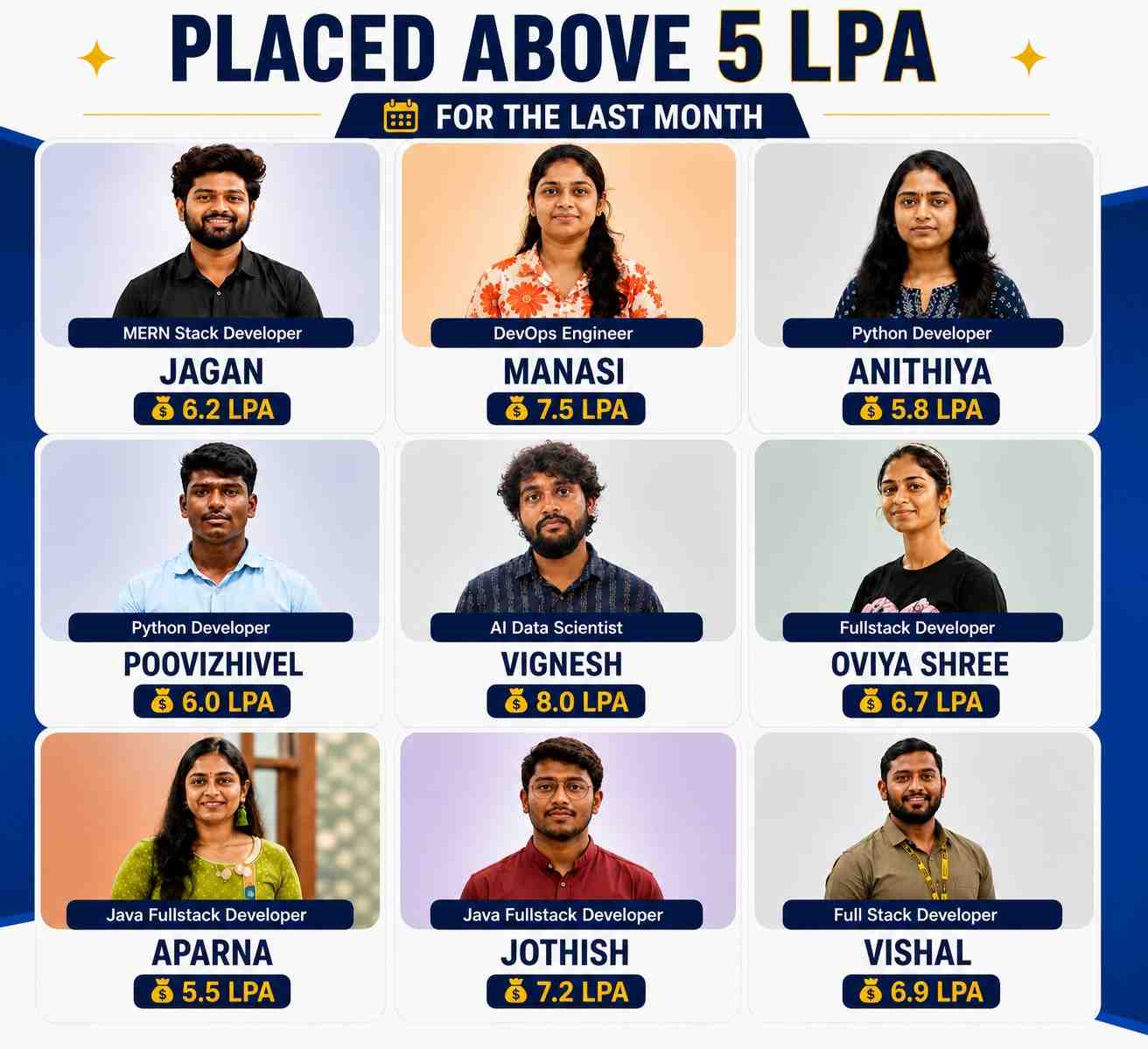
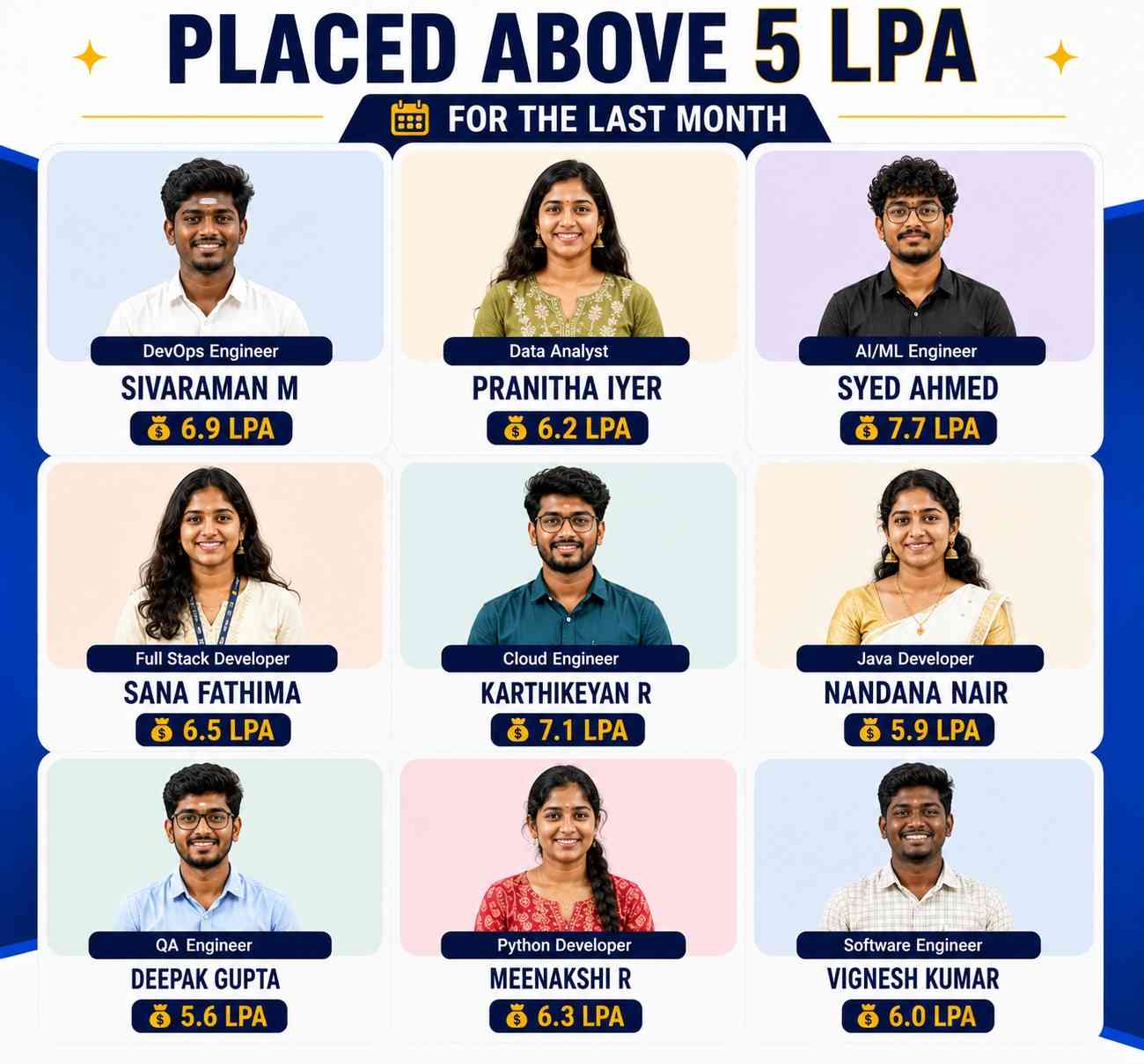
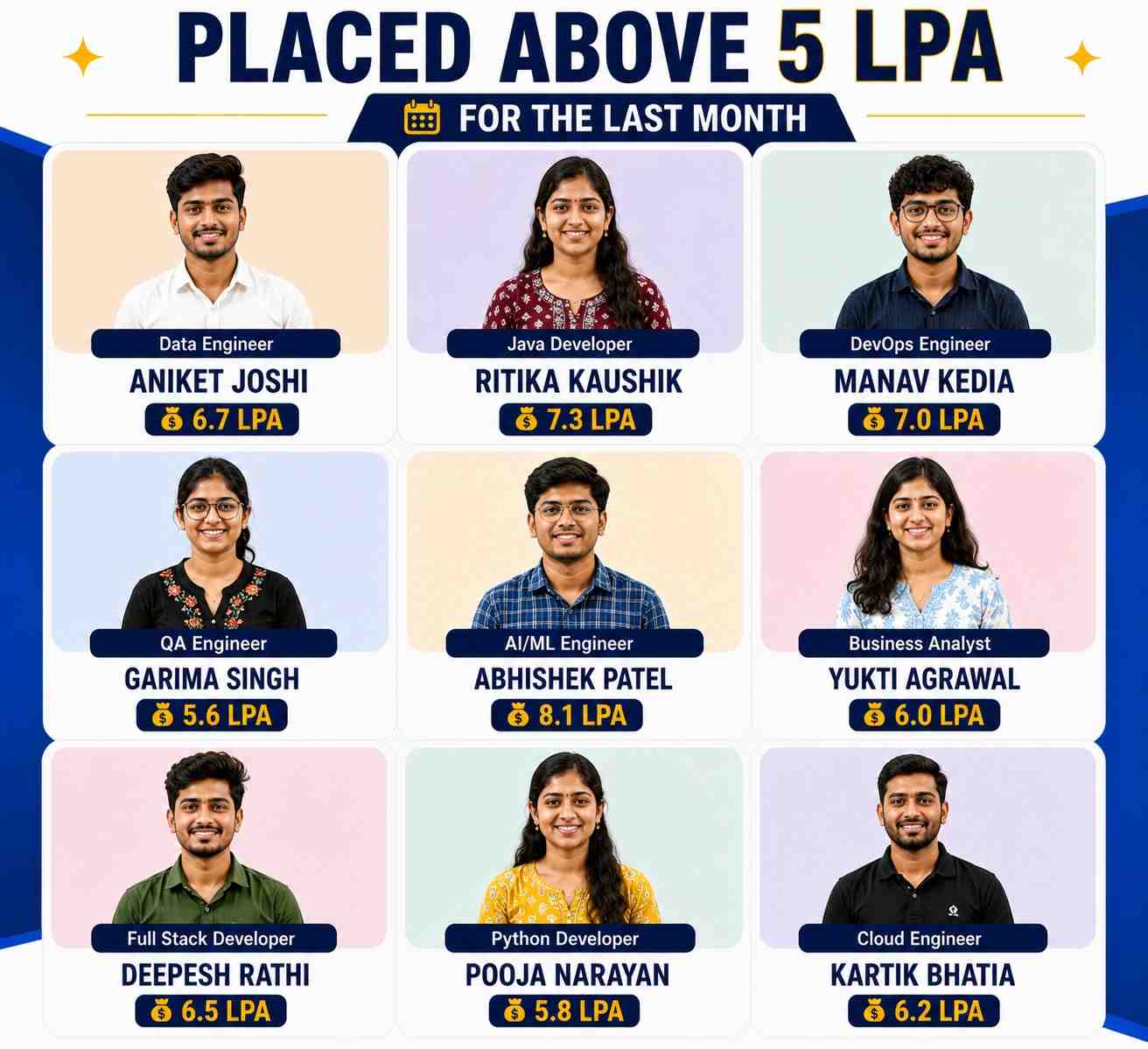

Explore Active Opportunities on
 by ACTE
Live
1000+
Jobs and Internships
Quality Training With Affordable Fees!
 Fees Starts From
INR
36,000
INR 16,500

10654+
(Placed)
5879+
(Placed)
6563+
(Placed)
4254+
(Placed)We Offer Both Online and Classroom Training in Chennai & Bangalore.
Our Hiring Partners

Overview of Microsoft Advanced Excel Course
The Microsoft Advanced Excel Certification Course is designed for freshers to learn Excel from basics to advanced data analysis. You can join the Microsoft Advanced Excel Training in Online and Classroom modes as per your convenience. This course gives hands-on experience by working on real-time Excel projects and mastering tools like Power Query and Power Pivot. After finishing you will have a Microsoft Advanced Excel Certification that is widely accepted and enhances your resume. A dedicated 30-day placement preparation program is included which focuses on resume building, mock interviews and soft skills training to boost your confidence. With expert guidance the course also supports Microsoft Advanced Excel Placement opportunities to help you start your career successfully.
What You Will Learn From Microsoft Advanced Excel Certification Training
- Master the Microsoft Advanced Excel Course concepts including worksheets, formulas, charts and efficient data formatting to handle complex datasets.
- Organize, analyze and visualize information effectively using pivot tables, advanced graphs and conditional formatting.
- Solve real-world problems with hands-on exercises, business case studies and project-oriented learning.
- Explore advanced Excel tools like macros, data automation, Power Query and reporting techniques.
- Gain confidence by progressing from foundational lessons to expert-level Excel strategies step by step.
- Complete the course and earn a professional certification to boost career opportunities and job readiness.
Additional Info
Course Highlights
- Kickstart Your Microsoft Advanced Excel Course: Master data analysis, Power Query, Power Pivot, dashboards and advanced Excel functions in one comprehensive program.
- Receive dedicated career support with placement opportunities from top companies hiring Microsoft Advanced Excel professionals.
- Join over 11,000 students trained and successfully placed through our extensive network of 350+ hiring partners.
- Learn from expert instructors with 10+ years of experience in Excel, data analytics and business intelligence.
- Enjoy beginner-friendly lessons, hands-on projects and complete career guidance to support your learning journey from start to finish.
- Benefit from flexible batch options, affordable fees and 100% placement assistance ideal for freshers and professionals looking to upskill.
Benefits You Gain from an Microsoft Excel Course
- Data Management – Microsoft Advanced Excel makes it easier to organize data effectively. To make finding what you need easier, information can be sorted, filtered and categorized. It reduces mistakes and saves time. Data administration becomes simple, even with complex spreadsheets.
- Advanced Analysis – Data analysis may be done fast using tools like Power Query, Power Pivot and pivot tables. It allows to see patterns, trends and insights that guide your decision making. More precise and speedy data interpretation is possible with advanced Excel. Employers place a high value on this ability.
- Automation & Efficiency – Excel macros and formulas let you automate repetitive tasks. This reduces manual work and increases productivity. You can create templates, automate calculations and generate reports instantly. Automation makes your work faster and error free.
- Professional Reporting – You can create interactive dashboards, charts and visual reports with Excel. It helps present data clearly to managers, clients or teams. Reports look professional and are easy to understand. This skill improves communication and decision-making.
- Career Growth – Mastering Microsoft Advanced Excel opens many job opportunities. It is required in finance, data analysis, marketing and administrative roles. Certified skills improve your resume and increase employability. Learning Excel gives you an edge in today’s competitive job market.
Popular Tools Taught in Microsoft Excel Training
- Pivot Tables – Pivot tables provide for quick summarization and analysis of large datasets. Data can be grouped, sorted and filtered to quickly identify trends and patterns. It assists in transforming unstructured data into insightful knowledge. This is a really helpful tool for decision-making and reporting.
- Power Query – Data from many sources may be imported, cleaned and transformed using Power Query. Combining tables, filtering data and eliminating duplicates are all simple processes. It minimizes manual labor and saves time. Power Query speeds up and improves the accuracy of data preparation.
- Power Pivot – Advanced data models and table associations can be created with Power Pivot. It enables the use of DAX formulae to carry out intricate computations. Excel can handle massive data analysis without experiencing any lag. Professional data analysis requires this tool.
- Macros – Using VBA code or action recordings, macros automate tedious processes in Excel. You can create templates, automate calculations and generate reports instantly. This lowers errors and manual labor. Efficiency and productivity are increased with macros.
- Dashboard and Charts – Excel dashboards and charts help visualize data in an interactive way. You can create graphs, KPI indicators and reports that are easy to understand. It makes presentations professional and insightful. Dashboards help in faster decision-making and tracking performance.
Top Frameworks Every Microsoft Excel Should Know
- Data Analysis Framework – This paradigm makes it easier to organize and analyze data effectively. Tools including as pivot tables, Power Pivot and formulas can assist you in rapidly spotting patterns and trends. Decision making is streamlined by transforming unstructured data into meaningful knowledge. Data analysis is the foundation of professional Excel work.
- Reporting Framework – The goal of the reporting architecture is to produce reports that are interactive and easy to understand. It presents data in an expert manner using dashboards, graphs and charts. This makes information easier for teams, managers and clients to understand. Effective reporting enhances corporate choices and communication.
- Automation Framework – Automation frameworks use macros and VBA to handle repetitive Excel tasks. By automating calculations, report generation and formatting you save time and reduce errors. It boosts efficiency and allows you to focus on analysis rather than manual work. Automation is key for advanced Excel users.
- Data Visualization Framework – Frameworks for data visualization assist in the visual representation of data through dashboards, graphs and charts. It facilitates the understanding and analysis of complex information. You are able to properly communicate outcomes, track performance and spot patterns. Decision-making and clarity are improved by visualization.
- Data Management Framework – This system ensures accurate, well-structured and clean data. You can manage big datasets with ease if you use tools such as Power Query, data validation and table management. It supports preserving dependability and consistency in data processing. For Excel experts, effective data management is crucial.
Essential Skills You’ll Learn in a Microsoft Excel Course
- Advanced Data Analysis – Learn how to analyze large datasets efficiently with Power Pivot, pivot tables and advanced algorithms. This ability enables you to swiftly identify trends, patterns and insights. It enables the making of well-informed business decisions. For any professional using Excel, advanced data analysis is crucial.
- Automation with Macros – Macros and VBA programming will enable you to automate monotonous chores. This reduces manual effort, saves time and minimizes errors in your work. Automation allows you to focus more on analysis and less on routine tasks. Its a key skill for improving productivity in Excel.
- Dashboard and Reporting – You will learn to create professional dashboards and reports with charts, graphs and KPIs. This skill helps present data in an easy-to-understand and visually appealing way. It improves communication with managers, clients and teams. Reporting and dashboards make data-driven decisions faster and more effective.
- Cleaning and Management – You’ll develop the ability to clean, organize and manage large datasets efficiently using Power Query and data validation tools. This ensures accuracy and consistency in your data. Proper data management is crucial for reliable analysis and reporting. It is a foundation skill for any Excel professional.
- Problem Solving and Decision Making Working on projects, business cases and real-time exercises can help you improve your problem-solving abilities. This enables you to use Excel features to solve problems in a rational manner. It enhances one's capacity for critical thought and judgment. You can contribute significantly to any organization with these abilities.
Key Roles and Responsibilities of Microsoft Excel Profession
- Data Analyst – A data analyst uses sophisticated Excel tools like pivot tables, Power Pivot and formulae to gather, arrange and analyze huge datasets. They find trends, patterns and insights to help guide corporate choices. Additionally, analysts produce dashboards and reports for management. Precise data analysis aids businesses in formulating well-informed plans.
- Financial Analyst – A financial analyst performs financial modeling, forecasts revenue and keeps track of budgets using Excel. They produce comprehensive reports, dashboards and infographics to effectively display financial data. They can automate computations and minimize errors with the aid of advanced Excel abilities. Their work aids in cost control and investment planning.
- Business Intelligence Executive – Business Intelligence Excel is a tool that executives use to examine performance metrics and corporate operations. They provide reports and dashboards that are interactive for decision-makers. They effectively organize, clean and display data as well. Their knowledge helps businesses become more profitable and productive.
- Reporting Specialist – A Reporting Specialist focuses on designing accurate, professional and visually appealing reports using Excel. They use charts, graphs and advanced formulas to summarize complex data. Specialists ensure reports are easy to understand for managers and clients. Their work enhances communication and business insights.
- Operations Analyst – Operations analysts use Excel to track and evaluate operational data in order to optimize procedures. They simplify reporting and use macros to automate repetitive processes. They monitor important performance metrics and pinpoint areas in need of development. Their function guarantees efficient company operations and well-informed decision-making.
Why Microsoft Excel Is the Smart Choice for Freshers
- High Demand Skills – Microsoft Advanced Excel is widely used in companies across industries like finance, marketing and analytics. Learning advanced Excel makes you job-ready and increases your employability. Freshers with Excel expertise are highly valued. This skill opens doors to multiple career opportunities.
- Better Job Opportunities – After finishing the course, you will have the abilities necessary for positions such as financial analyst, reporting specialist or data analyst. It improves your chances of obtaining entry level positions in reputable companies. Candidates with the ability to effectively handle complicated data are preferred by employers. Excel proficiency provides new hires a competitive advantage.
- Hands-on Practical Knowledge – The course focuses on real-time projects and exercises, helping you gain practical experience. You learn to solve real world business problems using Excel tools. This prepares you for actual workplace challenges. Practical knowledge builds confidence for your first job.
- Career Growth & Certification – Gaining a Microsoft Advanced Excel Certification improves your professional possibilities and lends credibility to your resume. Promotions and specialized positions are frequently given to certified professionals. In the competitive employment market, it makes new hires stand out.
- Versatility Across Roles – Advanced Excel skills are useful in multiple domains like finance, HR, marketing and operations. You can apply your knowledge to data analysis, reporting and automation tasks in any field. This versatility makes it easier to explore diverse career paths. Freshers gain flexibility and better long-term opportunities.
Landing Remote Jobs with Microsoft Excel Skills
- Data Handling from Anywhere – With advanced Excel skills, you can manage and analyze large datasets remotely. Tools like pivot tables, Power Query and Power Pivot allow you to work efficiently from home. Employers value professionals who can handle data without supervision. This makes you suitable for remote data-related roles.
- Efficient Reporting – Remote jobs often require creating reports and dashboards for managers and clients. Excel enables you to design professional, easy-to-read reports. Advanced Excel skills ensure accuracy and clarity in reporting. This builds trust and reliability in a remote work setup.
- Automation of Tasks – Macros and VBA automation let you complete repetitive tasks faster. This increases productivity, even when working remotely without direct oversight. Automation skills help you deliver timely results. Employers look for remote employees who can work independently and efficiently.
- Communication of Insights – Excel charts and dashboards make it easier to communicate information to clients and teams online. Interactive images can be shared via email or cloud tools. Making decisions without being physically there is improved by this. Effective and efficient remote work is facilitated by clear communication.
- Versatile Career Opportunities – Proficiency in Excel is highly valued in the fields of operations, analytics, marketing and finance. Without regard to location, you can work remotely in a variety of businesses. These abilities increase your employability and flexibility. Candidates with a broad range of Excel skills are preferred by remote companies.
What to Expect in Your First Microsoft Excel Job
- Data Management Tasks – In your first role, you will manage huge datasets, arrange data and ensure accuracy. Tables, filters and algorithms are some of the tools you'll use to effectively manage data. Paying careful attention to details can help you avoid mistakes. This lays a solid basis for your future work in Excel.
- Reporting and Dashboards – You will create reports and dashboards to summarize data for managers and clients. Excel charts, pivot tables and conditional formatting help present information clearly. These reports support decision making in the organization. Expect to learn professional ways to visualize and communicate data.
- Collaboration with Teams – You will work with colleagues from different departments to collect and analyze data. Sharing Excel files, reviewing data and updating reports collaboratively is common. Communication skills become as important as Excel skills. Teamwork ensures projects run smoothly.
- Problem-Solving Challenges – Your work will entail using data analysis to address practical business issues. You'll need to use sophisticated Excel tools to find trends, mistakes and insights. Decision-making and procedures are enhanced as a result. Anticipate the development of analytical and logical thinking abilities.
- Learning & Skill Enhancement – You will continue to study sophisticated Excel features and shortcuts even at your first job. Practical knowledge is enhanced through exposure to ongoing projects. Additionally, you might receive training on dashboards, Power Query or automation. Ongoing education guarantees professional development and proficiency.
Top Companies are Hiring for Microsoft Excel Professionals
- Microsoft – Microsoft hires experts with superior Excel skills for dashboard building, reporting and data analysis. Excel is used by staff members for data visualization, calculation automation and massive dataset management. Proficiency in Excel facilitates decision-making in various kinds of commercial domains. Candidates who can manage data accurately and efficiently are valued by the organization.
- IBM – IBM looks for candidates with advanced Excel expertise to work on analytics, reporting and business intelligence tasks. Excel is used to analyze trends, create reports and support client projects. Employees also automate repetitive tasks using macros and formulas. This role enhances efficiency and data-driven decision making.
- Deloitte – Deloitte recruits Excel professionals for financial modeling, data analysis and reporting roles. Advanced Excel tools like pivot tables, Power Query and dashboards are used to interpret large datasets. Professionals help prepare insights for clients and internal teams. Excel proficiency is crucial for accurate and efficient data handling.
- Accenture – Accenture hires proficient Excel users for positions in reporting, analytics and consulting. To assist with business choices, staff members produce dashboards, reports and visualizations. Data management and automation abilities are highly regarded. Professionals with advanced Excel skills are able to provide accurate and useful insights.
- Capgemini – Capgemini seeks Excel specialists for positions in operations, analytics and finance. Experts use Excel to produce comprehensive reports, build interactive dashboards and analyze data. Automation tools, pivot tables and sophisticated calculations increase productivity. For data-driven solutions and project success, proficiency with Excel is essential.
Show More
Tools Covered For Microsoft Advanced Excel Training



Upcoming Batches For Classroom and Online
Weekdays
02 - Nov - 2026
08:00 AM & 10:00 AM
Weekdays
04 - Nov - 2026
08:00 AM & 10:00 AM
Weekends
07 - Nov - 2026
(10:00 AM - 01:30 PM)
Weekends
08 - Nov - 2026
(09:00 AM - 02:00 PM)
Can't find a batch you were looking for?
What’s included ?

📊 Free Aptitude and Technical Skills Training
- Learn basic maths and logical thinking to solve problems easily.
- Understand simple coding and technical concepts step by step.
- Get ready for exams and interviews with regular practice.

🛠️ Hands-On Projects
- Work on real-time projects to apply what you learn.
- Build mini apps and tools daily to enhance your coding skills.
- Gain practical experience just like in real jobs.

🧠 Launch Your Career in Top MNC Companies
- Master technical and HR interview rounds.
- Gain confidence with expert mock interview practice.
- Improve your chances of getting hired faster.

🎯 Interview Preparation For Freshers
- Practice company-based interview questions.
- Take online assessment tests to crack interviews
- Practice confidently with real-world interview and project-based questions.

🧪 LMS Self Learning Platform
- Explore expert trainer videos and documents to boost your learning.
- Study anytime with on-demand videos and detailed documents.
- Top MNC interview questions & self coding practice.
Microsoft Advanced Excel Course Syllabus
- 🏫 Classroom Training
- 💻 Online Training
- 🚫 No Pre Request (Any Vertical)
- 🏭 Industrial Expert
Our Microsoft Advanced Excel Course in Online and Classroom provides a comprehensive syllabus for beginners and aspiring professionals. You’ll master core Excel concepts, formulas, functions, data analysis and advanced features like Pivot Tables, Power Query, Power Pivot and Macros. Gain hands-on experience through Microsoft Advanced Excel Internships and real-time projects to strengthen your practical skills. The Microsoft Advanced Excel Training also focuses on data visualization, reporting and basic automation techniques. With dedicated placement support, you’ll receive guidance on resume building and interview preparation, ensuring a successful start to your career.
- Introduction – Learn worksheets, formulas, functions and data management for a strong foundation.
- Advanced Tools – Master Pivot Tables, Power Query, macros, dashboards and reporting.
- Hands-On Projects – Work on MIS reports, financial analysis and interactive dashboards.
- Reporting & Collaboration – Create charts, share workbooks and collaborate using cloud features.
Excel Basics and User Interface
Formulas and Functions
Data Management Techniques
Data Analysis with PivotTables and PivotCharts
Advanced Excel Functions
Data Visualization and Dashboarding
Automation with Macros and Introduction to VBA
Build a strong foundation in Microsoft Excel essentials:
- Excel Environment – Learn the ribbon, toolbars, menus and navigation
- Workbook and Worksheet Management – Creating, saving and organizing data
- Data Entry Techniques – Efficient methods to enter and edit data
- Cell Formatting – Use of fonts, colors, borders and conditional formatting
Learn how to compute, assess, and change data:
- Basic Functions – SUM, AVERAGE, MIN, MAX, COUNT
- Logical Functions – IF, AND, OR, NOT for decision-making logic
- Text Functions – LEFT, RIGHT, MID, CONCATENATE, TEXTJOIN
- Date and Time Functions – TODAY, NOW, DATEDIF, NETWORKDAYS
Learn to organize, clean and structure data efficiently:
- Sorting and Filtering – Basic and advanced options
- Data Validation – Create dropdowns, restrict inputs
- Remove Duplicates – Clean datasets with built in tools
- Flash Fill and AutoFill – Speed up repetitive data entry
Summarize and analyze large datasets with dynamic tools:
- Creating PivotTables – Grouping, summarizing and filtering data
- PivotChart Creation – Visualize PivotTable results
- Slicers and Timelines – Add interactivity to PivotTables
- Calculated Fields – Perform custom calculations inside PivotTables
Dive deeper into data analysis using complex formulas:
- Lookup Functions – VLOOKUP, HLOOKUP, INDEX, MATCH
- Nested Functions – Combine functions for advanced logic
- Array Formulas – Use of dynamic and legacy array functions
- Error Handling – IFERROR, ISERROR and other error-checking tools
Present data clearly using professional visual tools:
- Chart Types – Line, Column, Bar, Pie, Combo and more
- Dynamic Charts – Use of named ranges and drop-down filters
- Conditional Formatting – Highlight trends, outliers and duplicates
- Mini Charts & Sparklines – Show data trends in a single cell
Automate processes to cut down on human labor and save time:
- Recording Macros – Automate repetitive actions without coding
- Macro-enabled Workbooks – Saving and managing macro files
- Intro to VBA – Basics of Visual Basic for Applications
- Running & Editing Macros – Modify simple VBA scripts
🎁 Free Addon Programs
Aptitude, Spoken English.
🎯 Our Placement Activities
Daily Task, Soft Skills, Projects, Group Discussions, Resume Preparation, Mock Interview.
Hands-on Real Time Microsoft Advanced Excel Projects
Project 1
Sales Performance Dashboard
Build insights from sales data using PivotTables, Power Query and advanced formulas. Create interactive charts, slicers and conditional formatting.
Project 2
Inventory Management System
Create a system to track stock levels using Excel Tables, formulas and data validation. Build dashboards and use conditional formatting to highlight low inventory items.
Project 3
Financial Budget Planner
Develop a budget tracker using SUMIFS, IF statements and scenario analysis. Build charts and PivotTables to forecast costs, track expenses and monitor variances.
Project 4
Employee Productivity Tracker
Make a tracker to monitor team performance using tables, formulas and conditional formatting. Build dashboards with charts and PivotCharts to visualize task completion.
Project 5
Business KPI Analyzer
Build a KPI analyzer using Power Pivot, advanced formulas and data models. Create interactive dashboards with charts, slicers and dynamic reporting tools.
Who Should Take a MS Excel Course
IT Professionals
Non-IT Career Switchers
Fresh Graduates
Working Professionals
Diploma Holders
Professionals from Other Fields
Salary Hike
Graduates with Less Than 60%
Show More
Job Roles For Microsoft Advanced Excel Course
Data Analyst
Financial Analyst
Business Analyst
Accountant
Operations Manager
Project Manager
Sales Analyst
Marketing Analyst
Show More
MS Excel Training Offered Classroom (Chennai & Bangalore) and Online.
Easy Coding
8 Lakhs+ CTC
No Work Pressure
WFH Jobs (Remote)
Why MS Excel Training is the Ultimate Career Choice
High Demand
Companies prefer multi-skilled professionals who can handle entire project cycles.
Global Opportunities
Open doors to remote and international job markets.
High Salary
Enjoy competitive salaries and rapid career advancement.
Flexible Career Path
Explore roles such as developer, architect, freelancer, or entrepreneur.
Future-Proof Career
Stay relevant with skills that are consistently in demand in the evolving tech landscape.
Versatility Across Industries
Work in various domains like e-commerce, healthcare, finance, and more.
Career Support


Placement Assistance

Exclusive access to ACTE Job portal

Mock Interview Preparation

1 on 1 Career Mentoring Sessions

Career Oriented Sessions

Resume & LinkedIn Profile Building
Get Microsoft Advanced Excel Certification
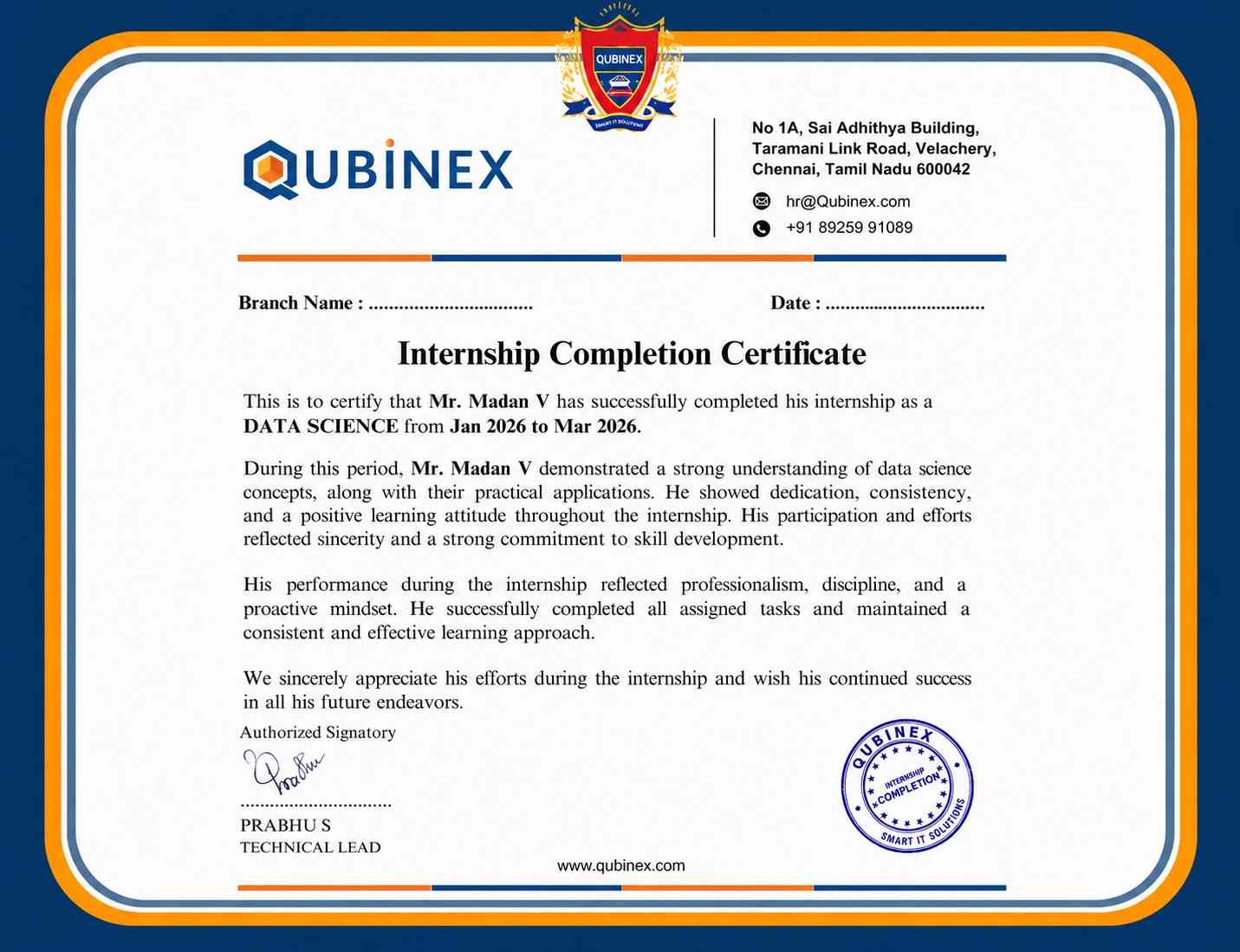
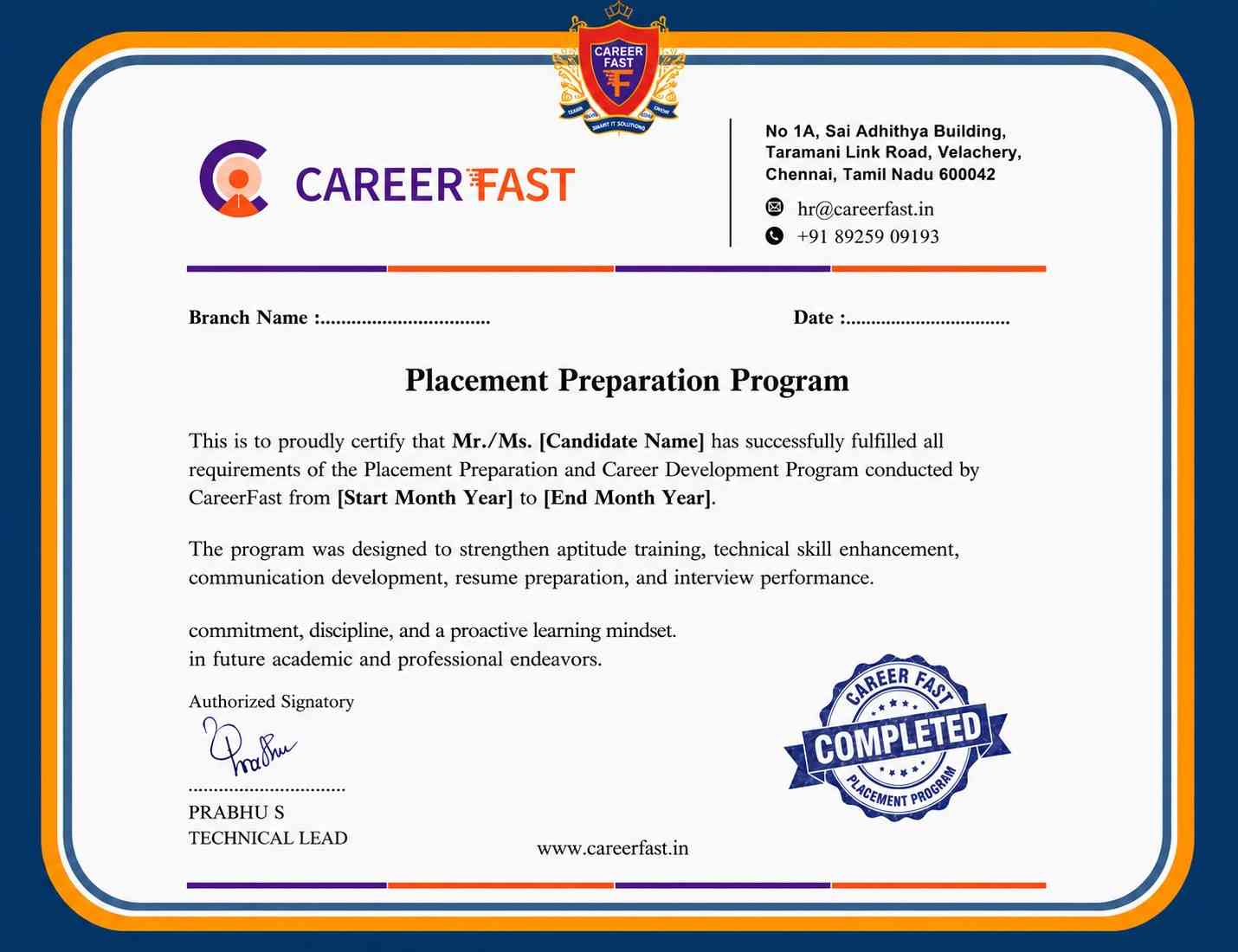
You'll receive a certificate proving your industry readiness.Just complete your projects and pass the pre-placement assessment.This certification validates your skills and prepares you for real-world roles.
📜 Industry-Recognized Certification
Earn official, shareable certifications recognized by top companies — a powerful proof of your job-ready skills.
🚀 Get Discovered by Top Employers
Let recruiters come to you with your verified profile — focus on learning while we connect you to real opportunities.
💼 Real-World Project Experience
Work on real-world projects to sharpen your skills and build a portfolio that impresses employers instantly.

Lowest Microsoft Advanced Excel Course Fees
Affordable, Quality Training for Freshers to Launch IT Careers & Land Top Placements.
Microsoft Advanced Excel Course FAQs
1. What skills should I have before joining the Microsoft Advanced Excel Course?
It is enough to start with a basic understanding of computers. Gradually, the course goes over fundamental Excel ideas, formulae, functions and advanced tools like pivot tables, Power Query, dashboards, macros and data analysis methods. Students will be able to manage professional Excel projects with confidence once they have finished.
2. Why is learning Microsoft Advanced Excel valuable?
This course equips students with practical skills used in real-world jobs. Learners gain confidence in data analysis, reporting and automation, preparing them to efficiently manage complex datasets and dashboards in a professional environment.
3. Are the class timings flexible?
Yes, students have the option to enroll in fast-track, weekend, evening or weekday batches. Because of this flexibility, students can study whenever it's most convenient for them without sacrificing consistency.
4. How can students get help during the course?
Mentor support is available via chat, email or live sessions. Students can clarify doubts, get guidance on exercises and receive feedback to ensure smooth learning throughout the program.
5. Why start with basic Excel concepts first?
Understanding fundamentals like formulas, tables and basic data management is essential. A strong foundation makes learning advanced features such as macros, Power Query and PivotTables easier and more effective.
1. Who can enroll in the Microsoft Advanced Excel Course?
Anyone with basic computer skills can join, including students, freshers and professionals aiming to enhance their Excel expertise. No prior advanced Excel or IT experience is required.
2. Is the course suitable for complete beginners?
Yes, all topics are explained from scratch. Step-by-step lessons, examples and hands-on exercises make it easy for beginners to grasp advanced Excel concepts, formulas and reporting techniques.
3. Can non-technical graduates benefit from this course?
Absolutely. Practical Excel skills are highly valued by employers. Learners gain hands-on experience with real-time projects, enabling them to confidently apply for entry-level data, reporting and analysis roles.
4. Is this course useful for professionals reentering the workforce?
Yes, it refreshes technical skills and introduces advanced Excel features. Professionals can update their expertise and confidently take on roles in analytics, finance or operations that rely heavily on Excel.
5. Do I need prior programming experience?
No prior programming or IT background is required. Beginners can successfully master Microsoft Advanced Excel concepts with guided instruction, practical exercises and mentor support.
1. Who is eligible for placement help?
Students who actively participate in sessions, complete assignments and clear assessments are eligible. Mentors assist with resume preparation, interview tips and placement guidance.
2. How does this course support career growth?
By completing projects and mastering advanced Excel techniques, learners develop technical expertise and problem-solving skills. These abilities enhance employability and prepare freshers for professional roles.
3. Who provides career guidance?
Experienced mentors guide students in resume building, skill evaluation and career planning. They also provide tips for interviews and help students present their skills effectively to employers.
4. Are internships available after the course?
Yes, learners can participate in internships such as Excel Analyst, Reporting Intern or Data Management Intern roles. Internships provide real-world experience and practical exposure.
5. Do internships offer compensation?
Many organizations provide stipends to interns, giving financial support while gaining experience. Compensation may vary depending on the company.
1. Which certifications will I receive after completion of Microsoft Advanced Excel Course?
Students earn the following certifications:
- Microsoft Advanced Excel Fundamentals
- Data Analysis & Reporting Specialist
- Advanced Excel Professional Certification
2. How does certification benefit practical work?
Certification proves that learners have hands-on expertise in Microsoft Advanced Excel. It demonstrates to employers that candidates can handle data analysis, create reports and automate tasks effectively, enhancing their credibility in real-world scenarios.
3. How long does it take to complete the course and get certified?
Typically, learners complete the course in 2–4 months, depending on their pace and practice. Regular hands-on exercises and project work ensure students are fully prepared for certification.
4. What are the benefits of Microsoft Advanced Excel Certification?
- Enhances career opportunities
- Confirms advanced Excel expertise
- Boosts confidence in handling professional tasks
- Strengthens resume and professional credibility
5. How can learners prepare for Microsoft Advanced Excel Certification?
- Practice Excel formulas and functions regularly
- Master advanced features like PivotTables, macros and Power Query
- Work on sample datasets and real-time projects
- Take mock assessments and review feedback from mentors
1. How can I pay for the Microsoft Advanced Excel Course?
Debit/credit cards, UPI, online banking and EMI options are all available for payment. Flexible methods allow learners to choose the most convenient option.
2. Does the Microsoft Advanced Excel Course fee cover placement support?
Yes, most institutes include resume guidance, interview preparation and placement assistance within the fee, ensuring complete career support.
3. Why do fees differ between institutes?
Course fees vary by institute based on curriculum depth, teaching style, resources and support. Institutes offering more hands-on training and advanced tools usually charge higher.
4. Are there differences in fees for Microsoft Advanced Excel Course Online vs classroom training?
Generally, fees remain similar for online and in-person batches, maintaining consistent quality and access to learning resources regardless of the mode.
100% Job Guarantee
Global Quality Training At The Lowest Fees & Expert Trainer
Available in:










