LMS
LMS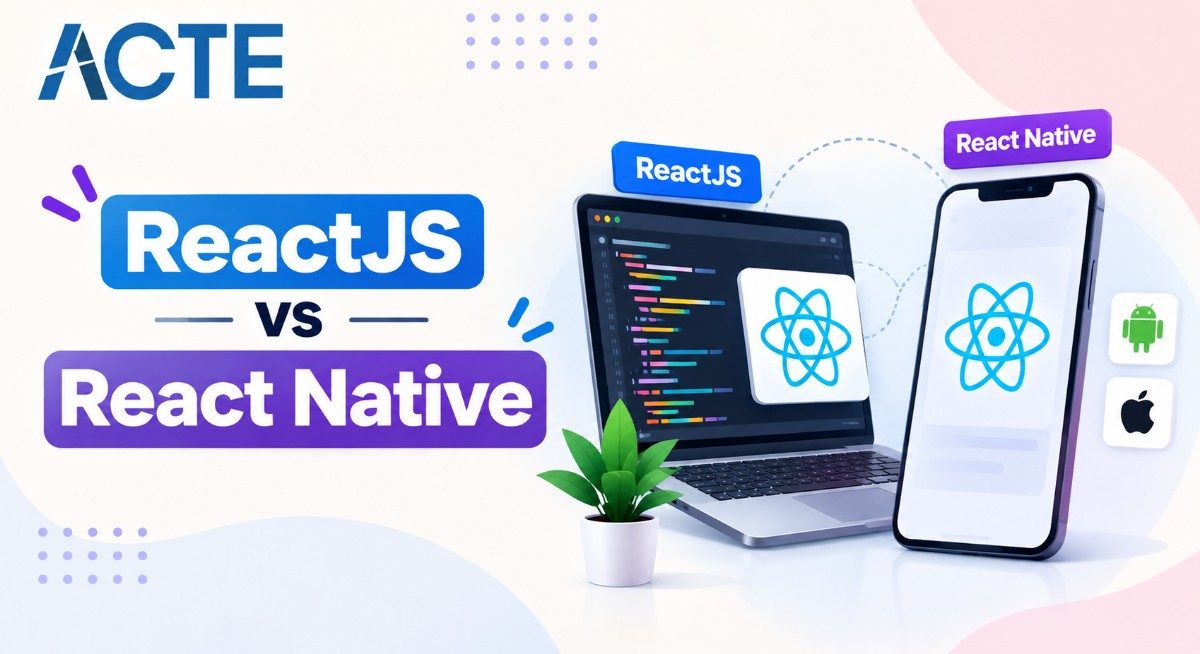
Last updated on 30th Oct 2025| 12395

- Overview of the React Ecosystem and Its Evolution
- What is ReactJS?
- What is React Native?
- Platform Focus (Web vs Mobile)
- Syntax and Component Usage
- Rendering Techniques
- Navigation and Routing
- Access to Native APIs
- Development Environment and Tooling
- Performance Considerations
- Community and Ecosystem Support
- Conclusion
Overview of the React Ecosystem and Its Evolution
The React ecosystem is a major force in modern web and mobile app development. Created by Facebook (now Meta) in 2013, React changed how developers build interactive user interfaces by introducing a component-based architecture and the virtual DOM concept. Its efficiency, reusability, and clear approach quickly made it the preferred framework for front-end development. As the ecosystem grew, a new branch called React Native was introduced in 2015. While ReactJS is mainly for dynamic web applications, React Native applies the same principles to mobile app development, enabling developers to create cross-platform apps using JavaScript and ReactJS components. reactjs vs react native share a common foundation: React’s component-driven structure and state management ideas. However, they differ in purpose, platform, rendering methods, and tools. Understanding these differences helps developers, businesses, and learners select the right framework for their projects.
What is ReactJS?
ReactJS is an open-source JavaScript React library for building interactive user interfaces (UIs), mainly for web apps. It allows developers to create reusable UI components that update efficiently when data changes, thanks to its Virtual DOM (Document Object Model) system.
The main goal of ReactJS is to simplify managing complex UIs by breaking them into small, reusable parts. It focuses on the View layer (V) of the Model-View-Controller (MVC) architecture, dealing only with how data is displayed to the user, not how it is stored or processed.
- Reusable Components: Promotes modular React Native development by breaking UIs into independent, reusable parts.
- Virtual DOM: Enhances performance by updating only the necessary parts of the UI.
- MVC Architecture: Focuses solely on the View layer for rendering data to users.
- Client & Server-Side Rendering: Supports SSR for better performance and SEO optimization.
- Industry Adoption: Used by companies like Facebook, Netflix, Airbnb, and Instagram for responsive web interfaces.
In short, ReactJS is for creating interactive, high-performance web front-ends, where user experience and responsiveness are crucial.
Are You Interested in Learning More About Full Stack Developer? Sign Up For Our Full Stack Developer Training Today!
What is React Native?
React Native is a framework for building native mobile applications using JavaScript and React frameworks. It targets mobile platforms like iOS and Android, not browsers.
With React Native, developers use the same React syntax to create mobile UIs, but the components are compiled into native platform code (Objective-C, Swift, or Java). This means the final application acts like a real native app, not a hybrid web app wrapped in a browser.
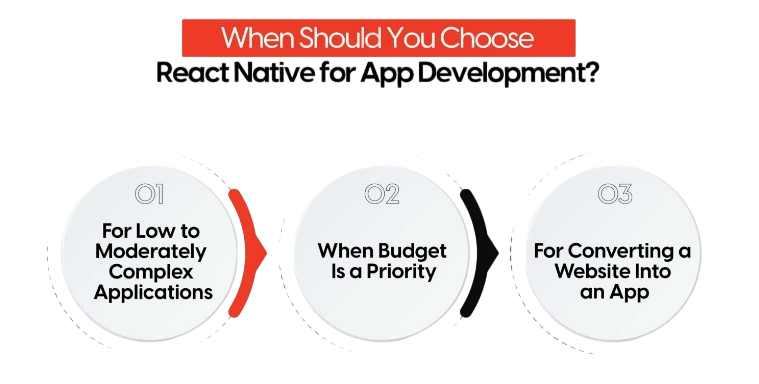
- Code Reusability: A significant portion of code written for one platform (like Android) can be reused for another (iOS).
- Shared Logic: Developers can share logic and components between reactjs vs react native projects, saving time and costs.
- Native API Access: Access to camera, GPS, notifications, sensors, and more through built-in modules or third-party libraries.
- Native Components: Uses
, , and instead of HTML tags like orfor native-style layouts and performance.
React Native’s approach enables the creation of high-performance mobile apps with a native look and feel, while leveraging the flexibility of JavaScript and React.
Would You Like to Know More About Full Stack Developer? Sign Up For Our Full Stack Developer Training Now!
Platform Focus (Web vs Mobile)
One of the most noticeable differences between reactjs vs react native is their platform focus.
ReactJS focuses on web application development. It runs in browsers and helps create interactive web interfaces using HTML, CSS, and JavaScript. Whether it’s a single-page application (SPA) or a complex enterprise dashboard, ReactJS effectively manages the structure and state of the web interface.
React Native targets mobile app development. It compiles JavaScript code into platform-specific components for native iOS and Android platforms. This gives difference between ReactJS and React Native apps the look and feel of traditional native applications without needing separate codebases for different platforms.
- ReactJS: Web applications that run in browsers.
- React Native: Mobile applications that run on smartphones.
This distinction defines their roles in the React Native development ecosystem: ReactJS is for web interfaces, and React Native is for mobile experiences.

Develop Your Skills with Full Stack Developer Certification Training
Weekday / Weekend BatchesSee Batch DetailsSyntax and Component Usage
Both reactjs vs react native use JavaScript and JSX (JavaScript XML) syntax, enabling developers to write HTML-like code inside JavaScript. However, their component structure and styling differ due to their targeted environments.
-
ReactJS Example:
function Welcome() { return <h1>Hello, Web User!</h1>; } -
React Native Example:
import { Text, View, StyleSheet } from 'react-native';

function Welcome() {
  return (
    <View style={styles.container}>
      <Text>Hello, Mobile User!</Text>
    </View>
  );
}

const styles = StyleSheet.create({
  container: { padding: 20, backgroundColor: '#fff' },
});
Thus, while the coding style and logic remain similar, the specific ReactJS components differ based on platform needs. ReactJS is based on web technologies, while React Native relies on native mobile elements.
Rendering Techniques
Rendering is a crucial difference between reactjs vs react native.
ReactJS utilizes the Virtual DOM, which is a lightweight, in-memory version of the actual DOM. When the application’s state changes, ReactJS compares the virtual and real DOM, updating only what’s necessary. This results in high native performance and efficient UI updates in web browsers.
React Native, however, does not use the DOM. Instead, it uses native rendering APIs. ReactJS components created in React Native are transformed into native platform widgets, such as UIKit for iOS or Android Views for Android. This gives React Native apps an authentic native look and feel.
- ReactJS: Uses Virtual DOM → Renders HTML in a browser.
- React Native: Uses Native APIs → Renders native components on mobile.
This means ReactJS excels at web UI performance, while React Native ensures native-level performance on mobile devices.
Preparing for Full Stack Development Job? Have a Look at Our Blog on Full Stack Development Interview Questions and Answers To Ace Your Interview!
Navigation and Routing
Navigation and routing differ significantly between reactjs vs react native due to their different environments. In ReactJS, navigation typically involves moving between web pages or views within a single-page application. Developers often use libraries like React frameworks Router to manage this aspect. React Router handles browser React history, URL updates, and component rendering, enabling smooth web navigation.
-
React Router Example:
import { BrowserRouter as Router, Route, Routes } from 'react-router-dom';

<Router>
  <Routes>
    <Route path="/" element={<Home />} />
    <Route path="/about" element={<About />} />
  </Routes>
</Router>
In React Native, there’s no concept of a browser or URLs. Instead, developers rely on libraries like React history Navigation or Native Stack Navigator to move between screens within the app.
Example:
-
React Native Navigation Example:
import { NavigationContainer } from '@react-navigation/native';
import { createStackNavigator } from '@react-navigation/stack';

const Stack = createStackNavigator();

<NavigationContainer>
  <Stack.Navigator>
    <Stack.Screen name="Home" component={HomeScreen} />
    <Stack.Screen name="Profile" component={ProfileScreen} />
  </Stack.Navigator>
</NavigationContainer>
Thus, while ReactJS relies on web routing methods, React Native offers mobile-friendly navigation stacks that mimic native app behavior.
Access to Native APIs
One major difference between reactjs vs react native is access to native device features.
ReactJS operates entirely within a web browser, meaning it can only access APIs offered by the browser itself, such as the Geolocation API, Local Storage, or Web Audio API. It cannot directly interact with hardware features like the camera, GPS, or Bluetooth without additional web APIs or permissions.
React Native gives direct access to native device capabilities such as the camera, accelerometer, push notifications, file storage, and GPS through Native Modules. Developers can use pre-built modules or create their own native code (in Swift, Objective-C, or Java) to integrate more functionality.
- ReactJS: Limited to browser APIs; hardware access requires workarounds.
- React Native: Direct access to native device features via built-in or custom modules.
- Example: React Native Camera React library enables photo capture; ReactJS requires browser-based alternatives.
This difference makes React Native ideal for mobile applications needing deep hardware integration, while ReactJS is best for browser-based, platform-independent solutions.
Full Stack Development Sample Resumes! Download & Edit, Get Noticed by Top Employers! DownloadDevelopment Environment and Tooling
Both difference between reactjs and react native have strong ecosystems with powerful tools and developer support.
ReactJS Development Environment:
- Node.js and npm: Manage dependencies and packages efficiently.
- Create React App (CRA): Quickly set up new projects with a standard structure.
- React Developer Tools: Browser extension for inspecting and debugging React frameworks components.
- Webpack and Babel: Handle module bundling and code conversion for modern JavaScript native device features.

React Native Development Environment:
- React Native CLI or Expo CLI: Tools for initializing and managing React history Native projects.
- Android Studio and Xcode: Provide emulators and build tools for Android and iOS platforms.
- Metro Bundler: Packages assets and serves them to the app during development.
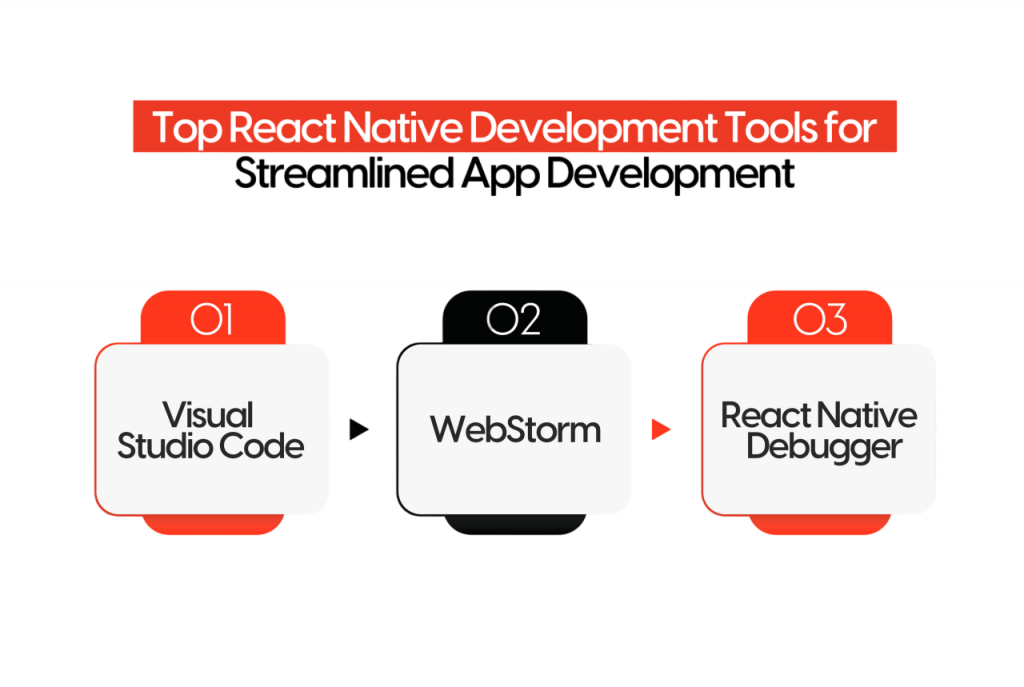
- Flipper and React Native Debugger: Tools for inspecting app performance and debugging native modules.
While ReactJS development focuses on browsers, React Native involves managing device simulators and platform SDKs. However, both benefit from JavaScript’s flexibility and a shared ecosystem of libraries.
Performance Considerations
Performance is another key area where difference between reactjs and react native differ.
ReactJS performance relies heavily on browser efficiency and how well the Virtual DOM handles re-renders. It works very well for dynamic web applications, especially when using techniques like memoization, lazy loading, and code splitting.
React Native, although written in JavaScript, provides near-native performance because it connects JavaScript and native components through a JavaScript bridge. This bridge has been optimized over time, and newer architectures like JSI (JavaScript Interface) and Fabric Renderer have improved responsiveness.
That said, computationally demanding tasks or heavy animations may still need native modules for the best performance in React history Native.
- ReactJS: Optimized for fast browser rendering using Virtual DOM and web performance techniques.
- React Native: Optimized for smooth mobile performance through native code execution and advanced rendering architectures.
Community and Ecosystem Support
Both difference between difference between reactjs and react native enjoy strong community and enterprise support due to Meta’s ongoing investment and the open-source nature of both frameworks.
ReactJS has a mature ecosystem with many third-party libraries, UI React frameworks (like Material UI and Ant Design), and developer tools. The community continuously contributes tutorials, templates, and optimization patterns.
React Native also has a vibrant community with plugins, APIs, and libraries that simplify cross-platform apps development. Tools like Expo make it easy for newcomers to create and publish mobile apps without diving deep into native code.
- Shared Concepts: Both React frameworks use components, props, and state, making skills transferable.
- Developer Transition: ReactJS developers can easily move into React Native with minimal learning curve.
- Cross-Platform Advantage: Shared knowledge boosts development capabilities across web and mobile platforms.
Conclusion
The difference between reactjs and react native are key parts of the React history ecosystem. They share the same foundations of component-based structure, reusability, and performance improvement, but they target different platforms. ReactJS is great for building dynamic and high-performing web applications. It offers flexibility, strong tools, and smooth integration with modern web technologies. React library Native brings these benefits to mobile app development. It allows developers to create cross-platform apps applications that provide a genuine native user experience. In summary, ReactJS works best for responsive web applications, while React Native is perfect for developing Android and iOS apps from one codebase with nearly native performance.
Upcoming Batches
Name Date Details Full Stack Developer Training 19 - Oct - 2026
(Weekdays) Weekdays Regular
View Details Full Stack Developer Training 21 - Oct - 2026
(Weekdays) Weekdays Regular
View Details Full Stack Developer Training 24 - Oct - 2026
(Weekends) Weekend Regular
View Details Full Stack Developer Training 25 - Oct - 2026
(Weekends) Weekend Fasttrack
View Details